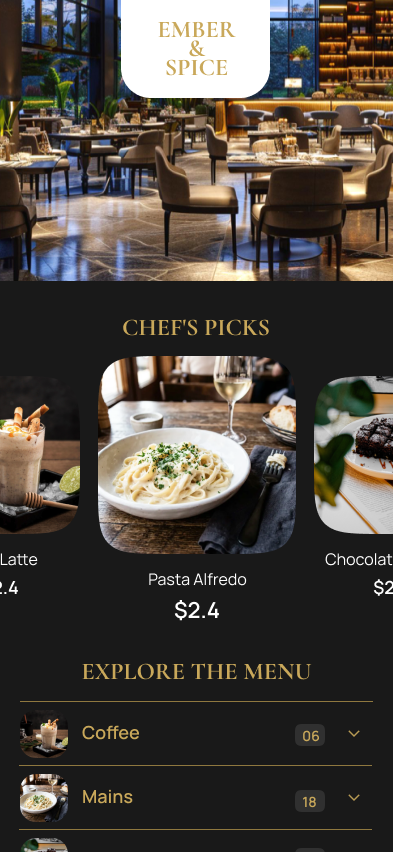
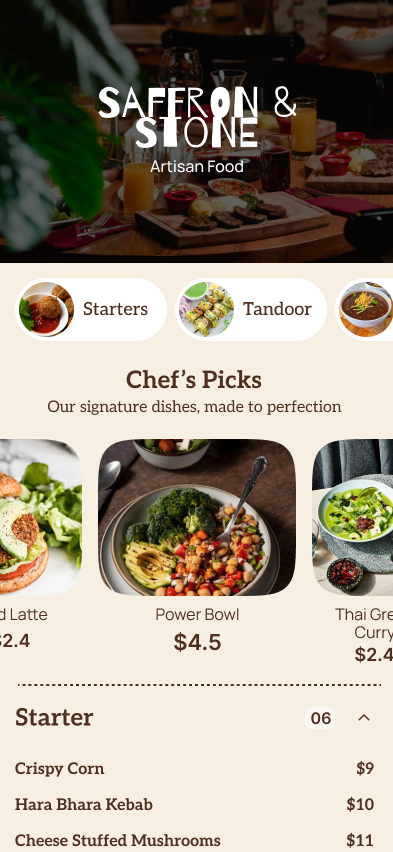
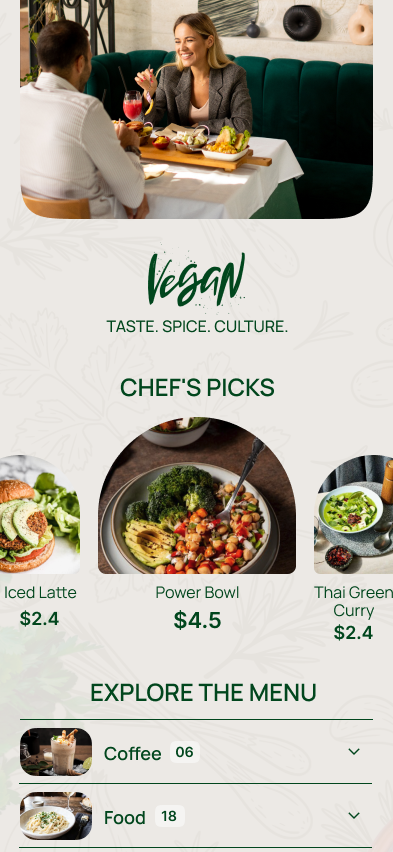
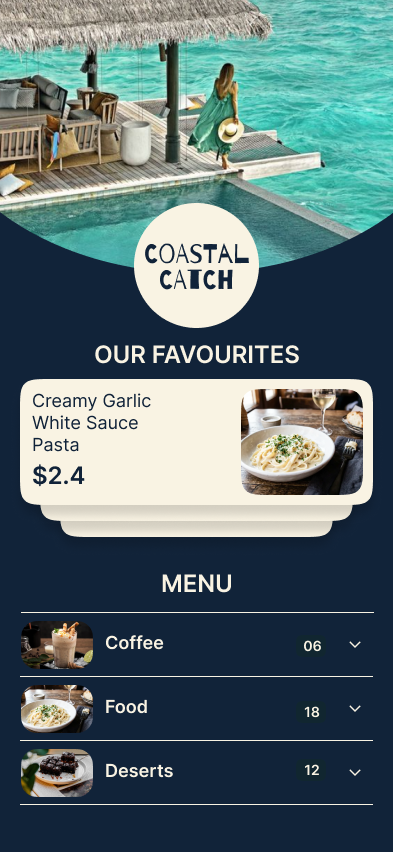
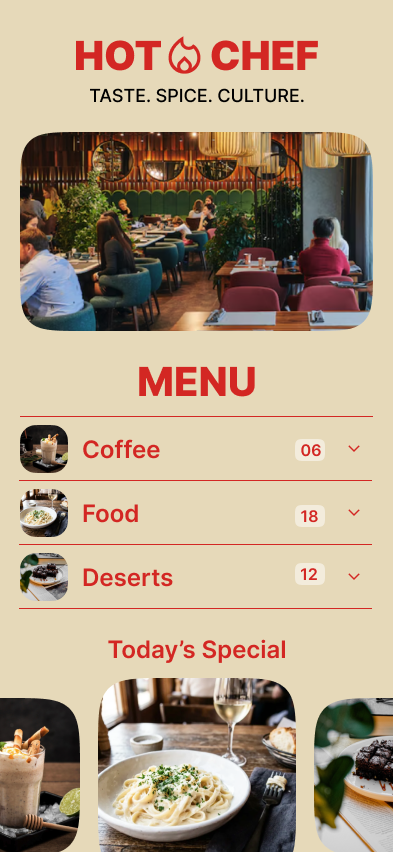
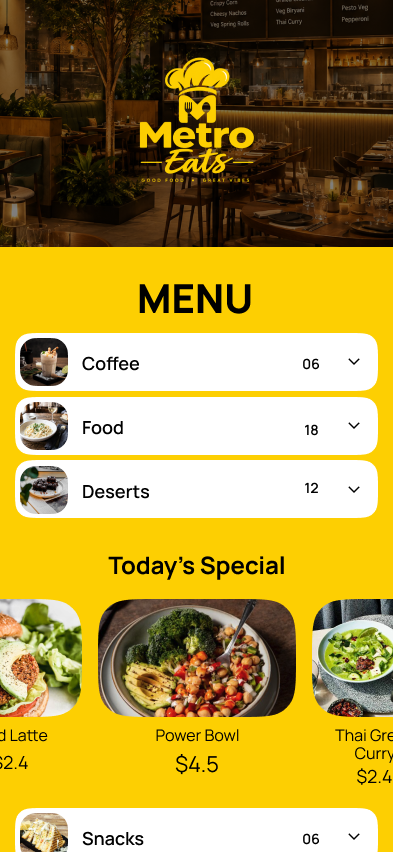
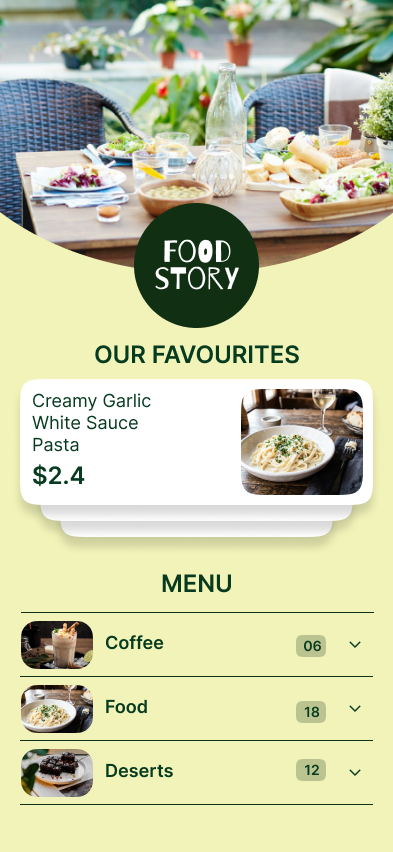
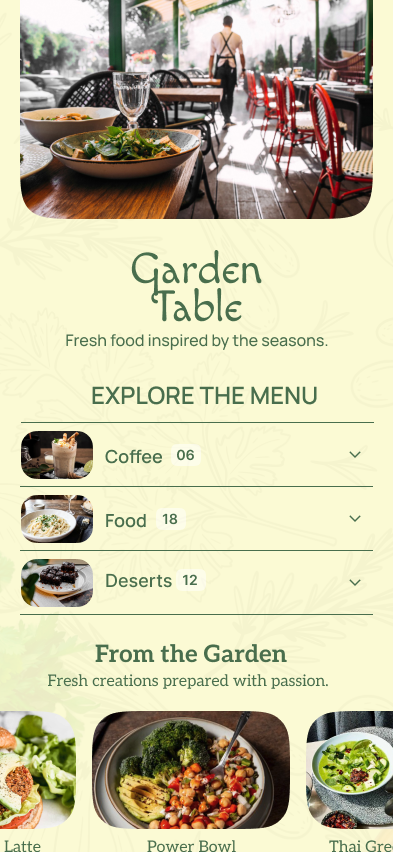
Create Once. Use Everywhere. Digital + Print-Ready.
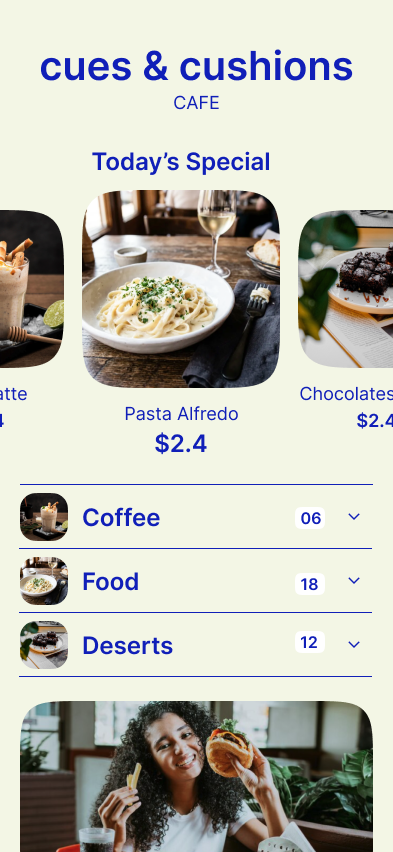
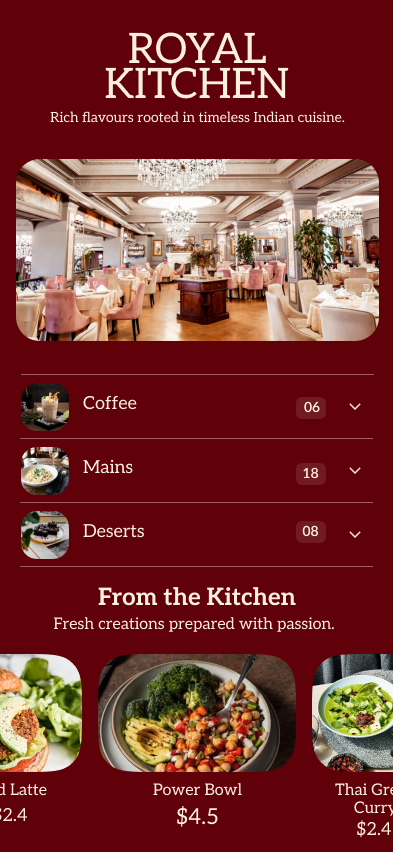
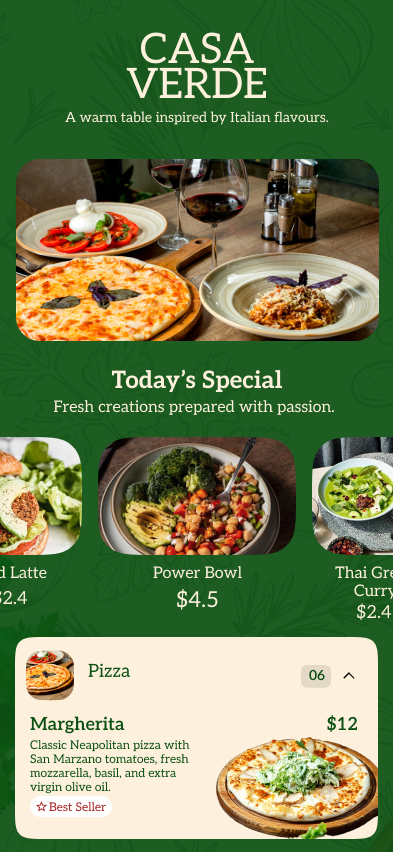
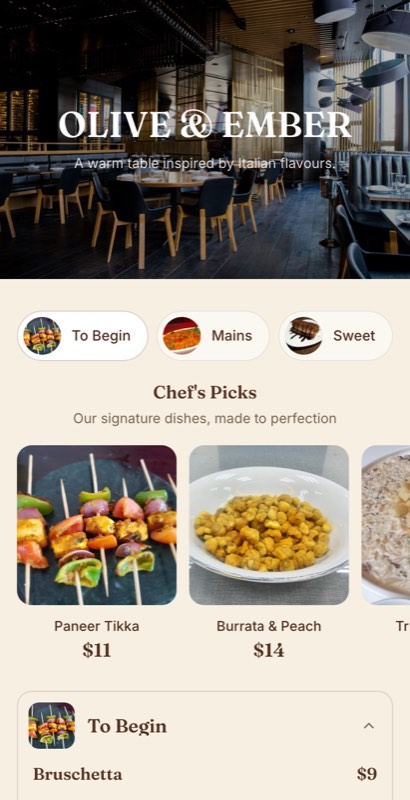
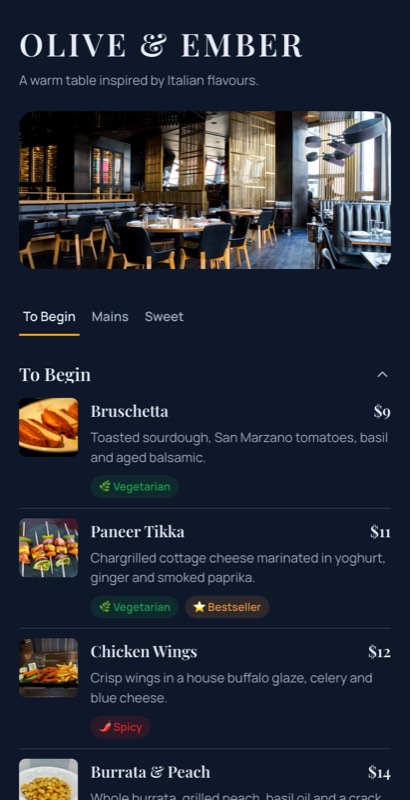
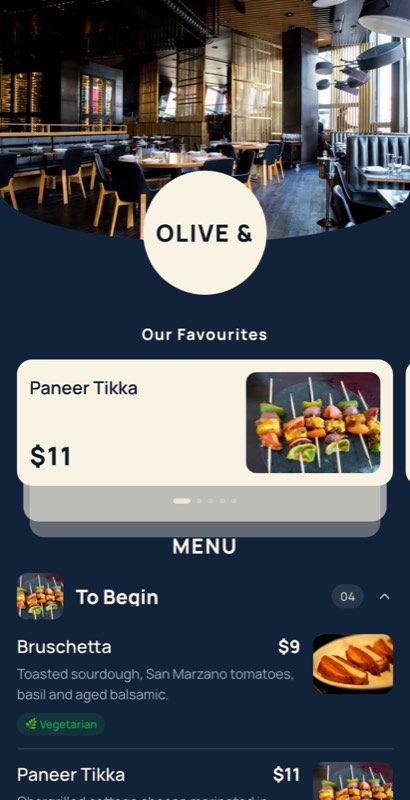
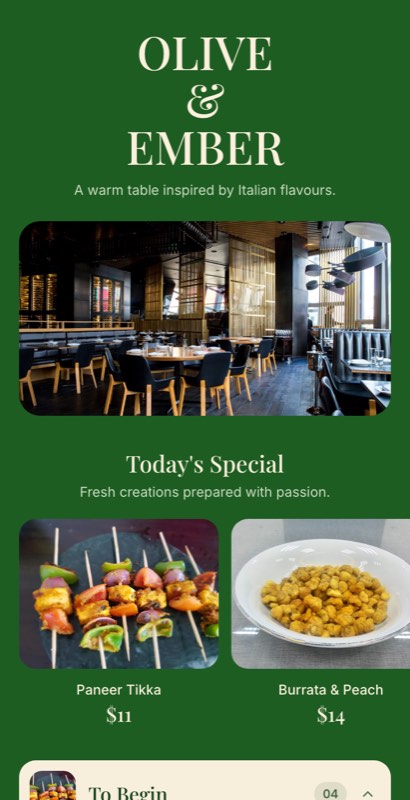
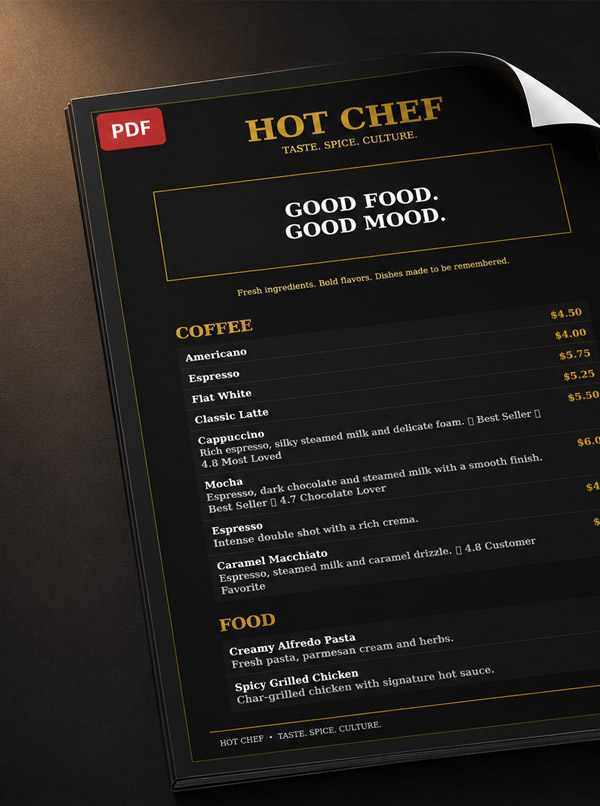
Create a professional restaurant menu without starting from a blank page. Choose a ready-made template, add your dishes, prices, photos and branding, then use the same menu for your digital menu, QR menu and print-ready PDF.
Explore professionally designed restaurant menu templates for different cuisines, dining styles and menu sizes. Choose a layout that fits your restaurant and customize the dishes, prices, photos, colors and branding.
Use this template
Use this template
Use this template
Use this template
Use this template
Use this template
Use this template
Use this template
Use this template
Use this template
Use this template
Use this template
Use this template
Use this template
Use this template
Use this template
Use this template
Use this template
Use this template
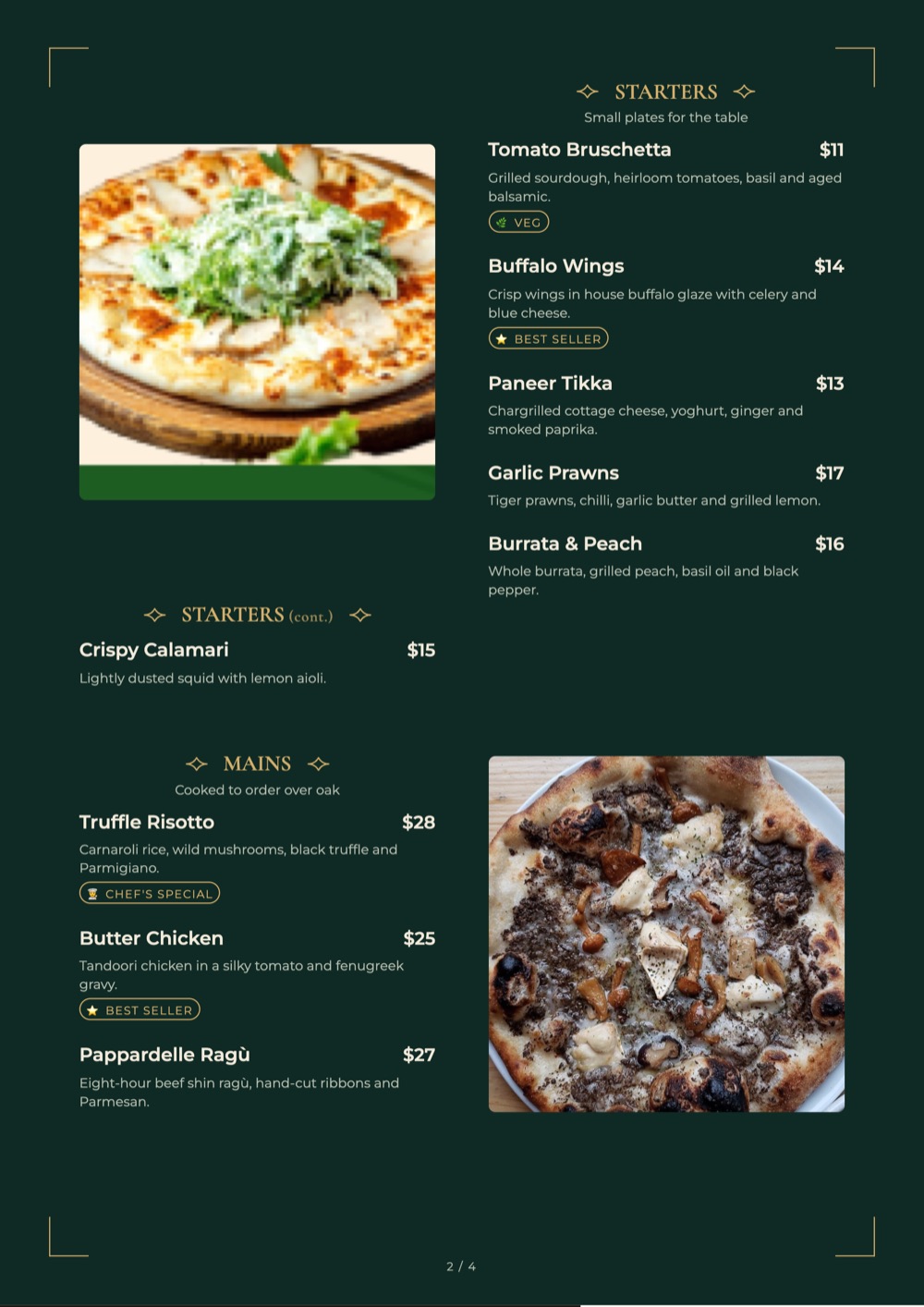
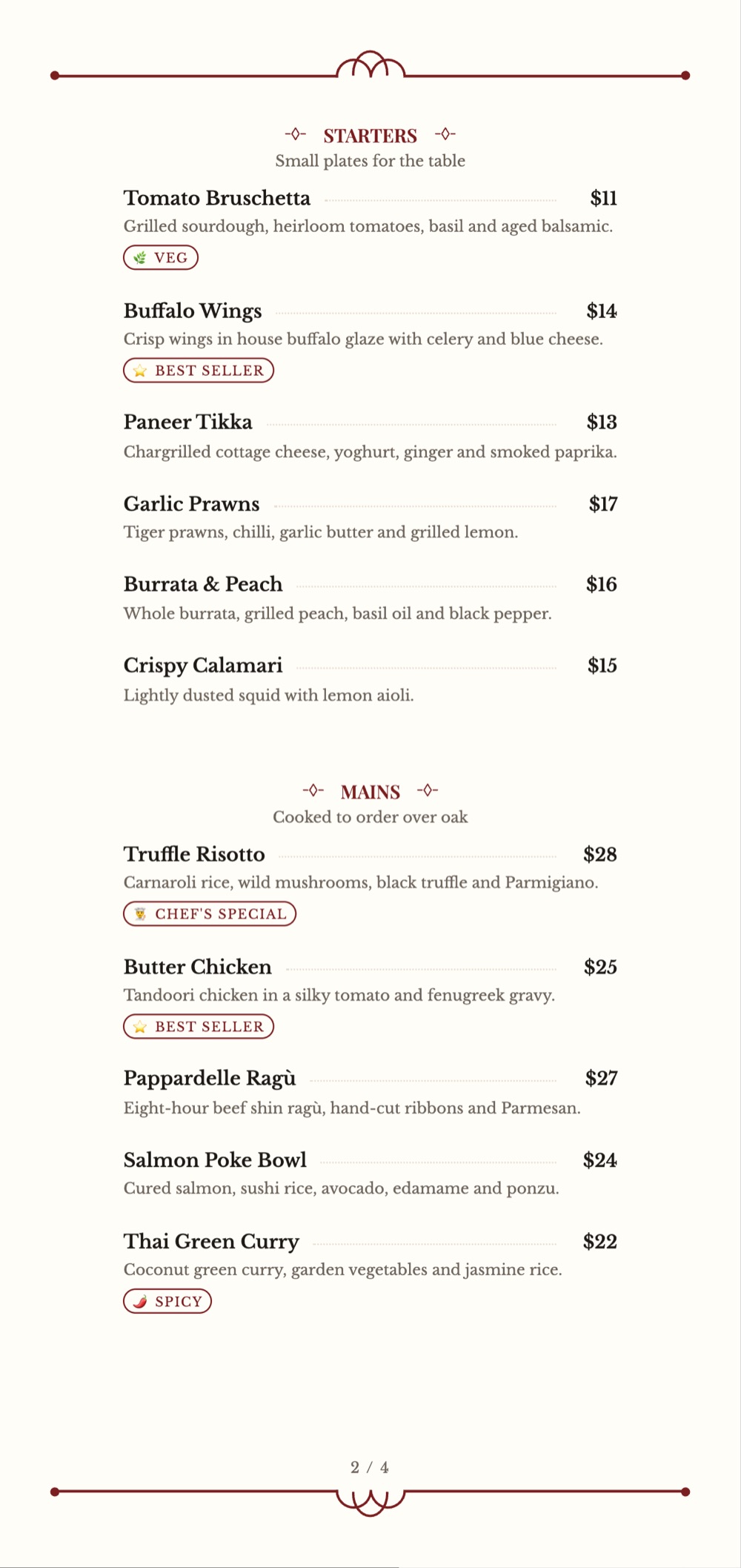
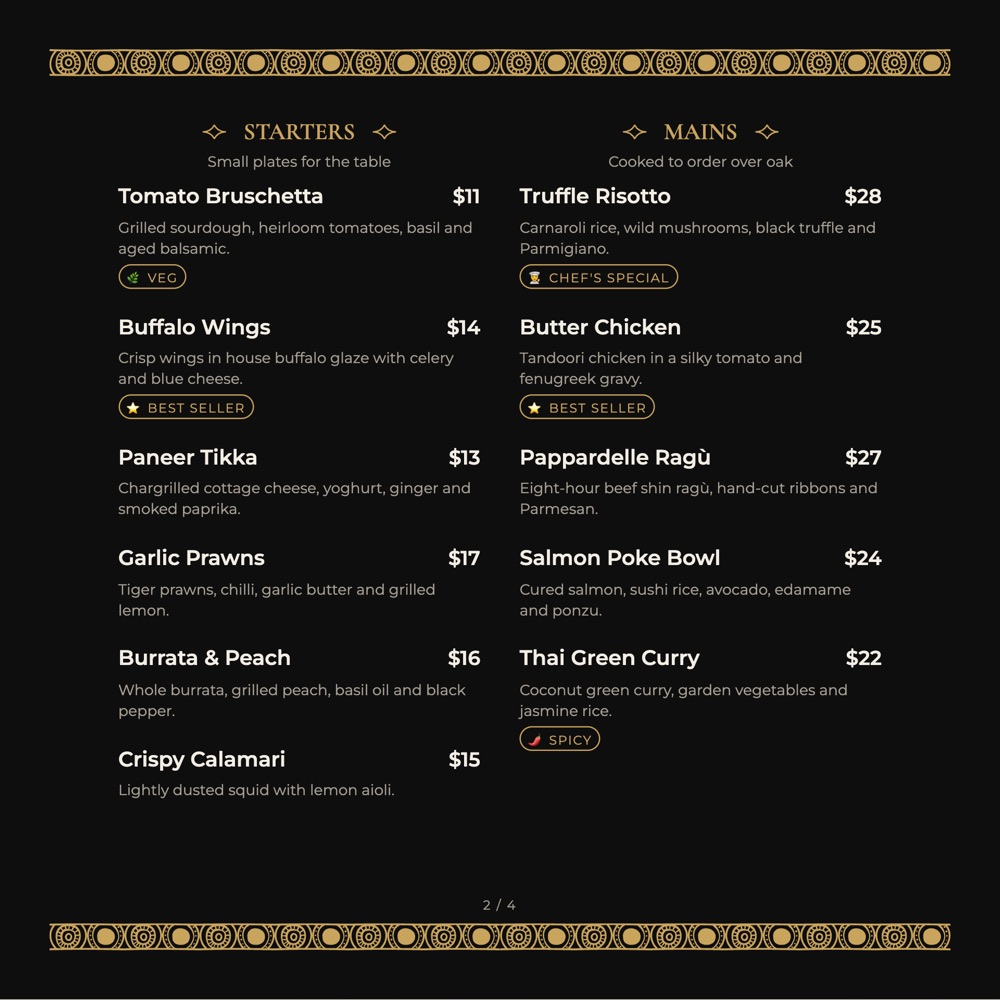
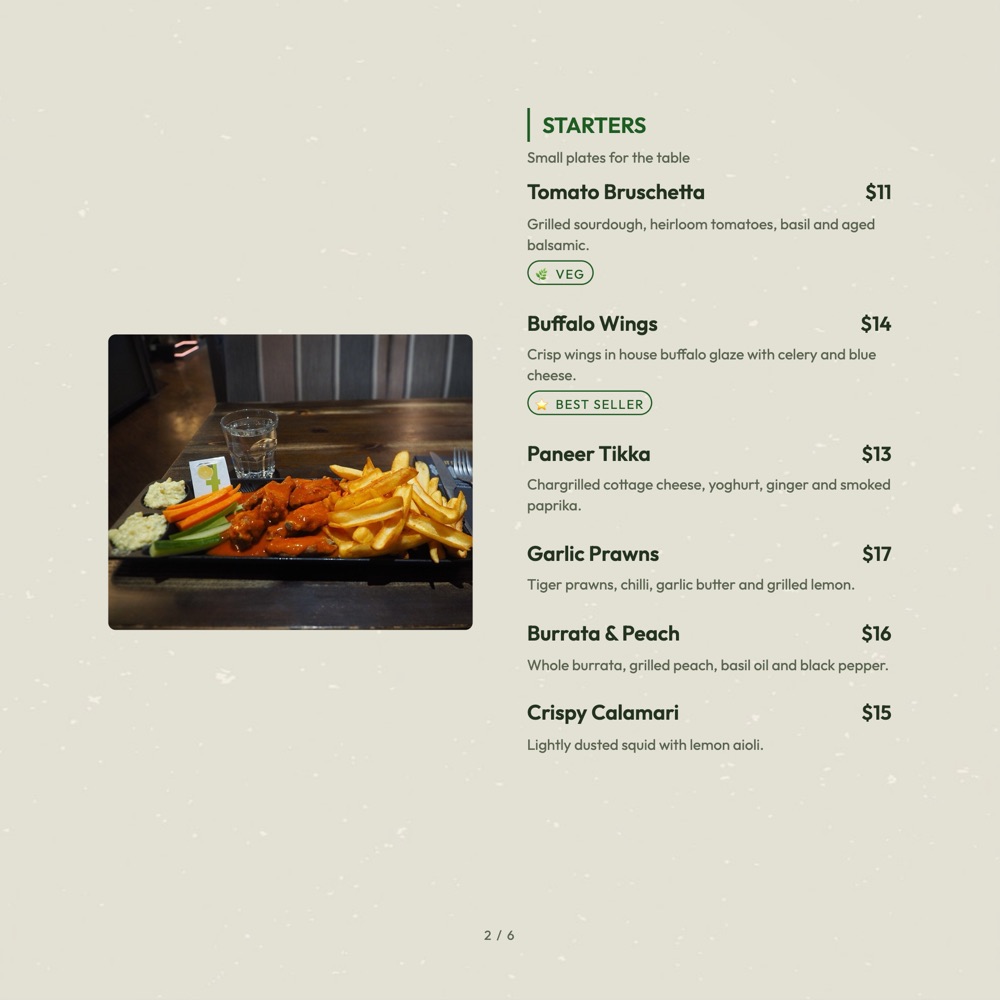
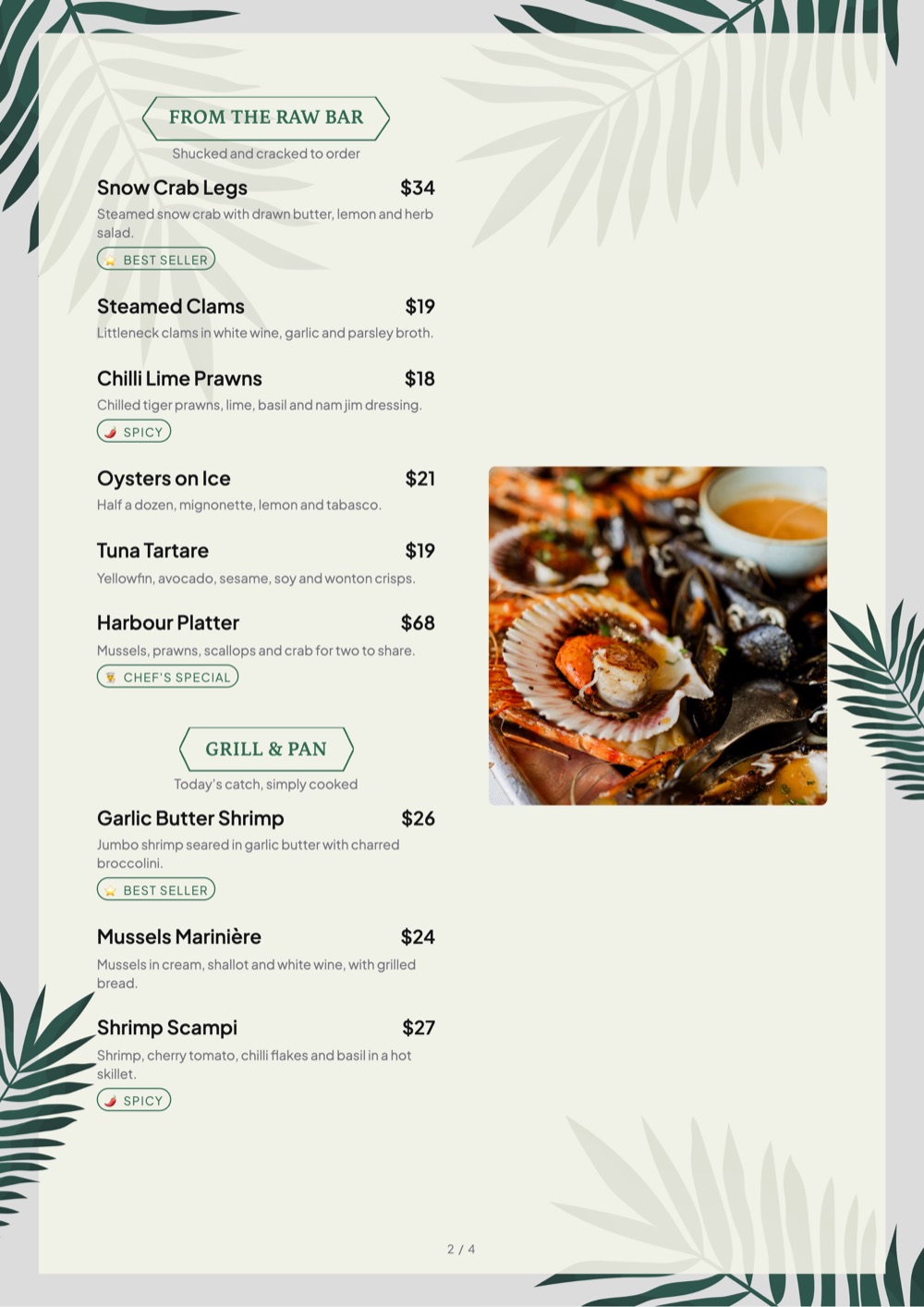
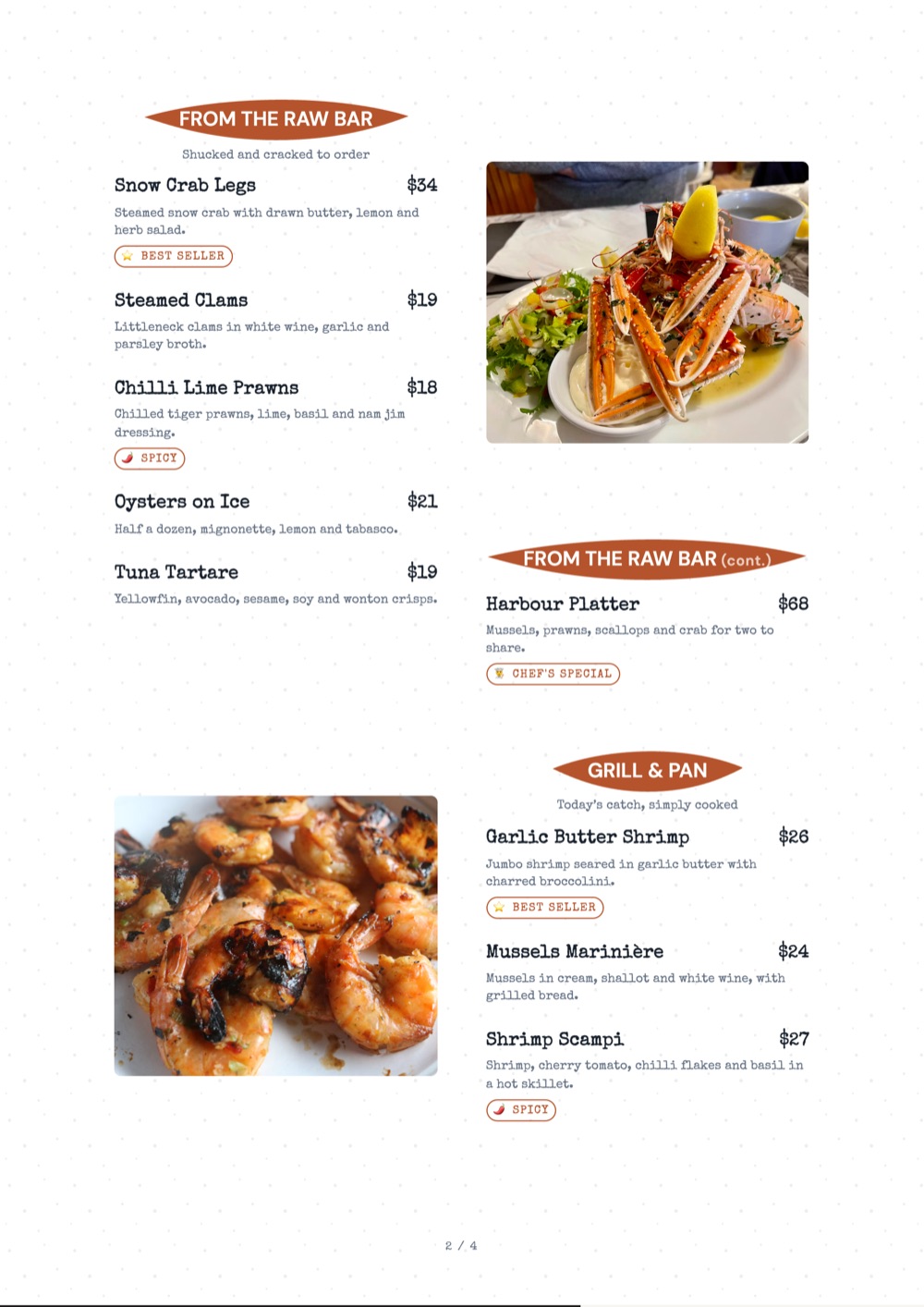
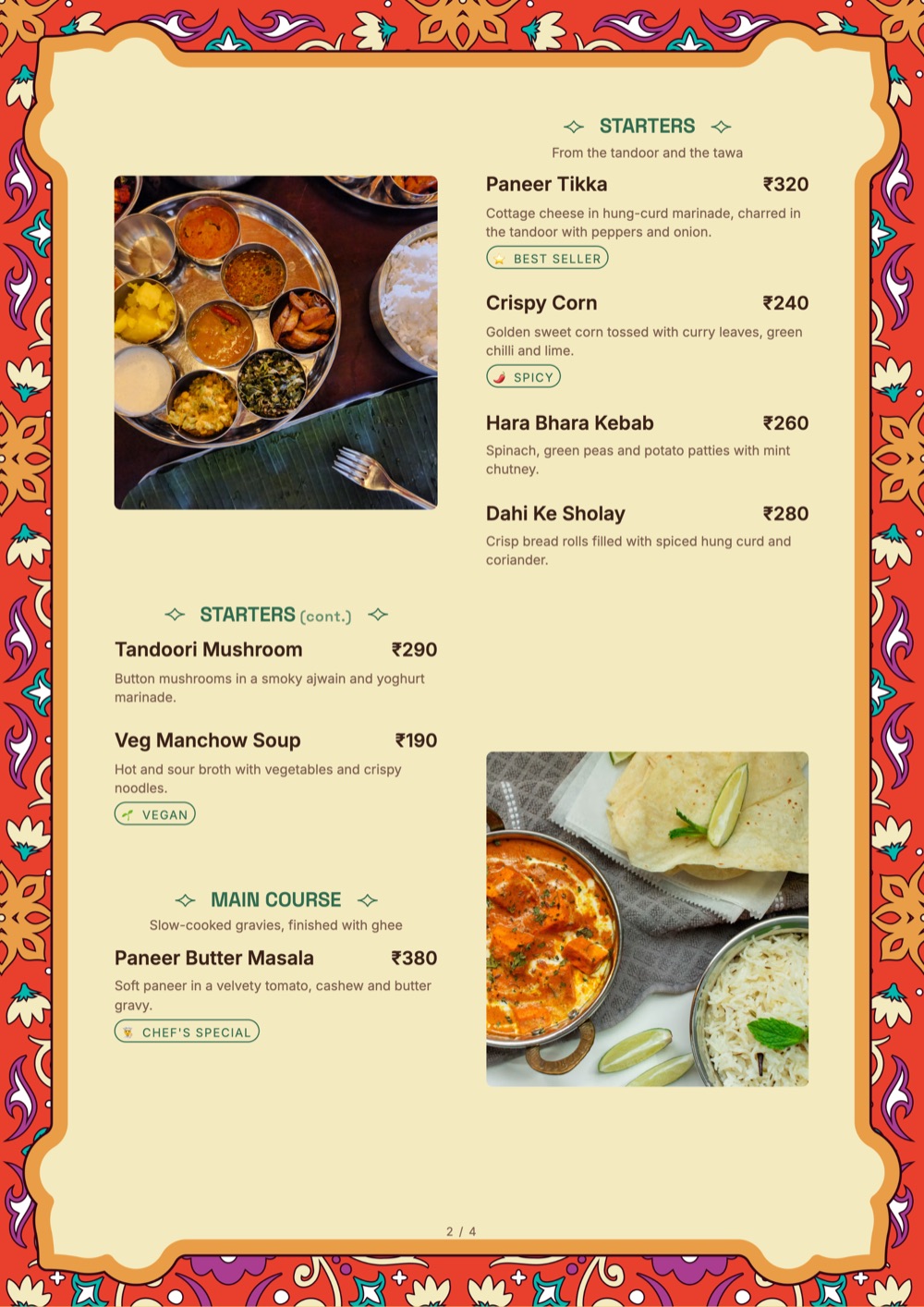
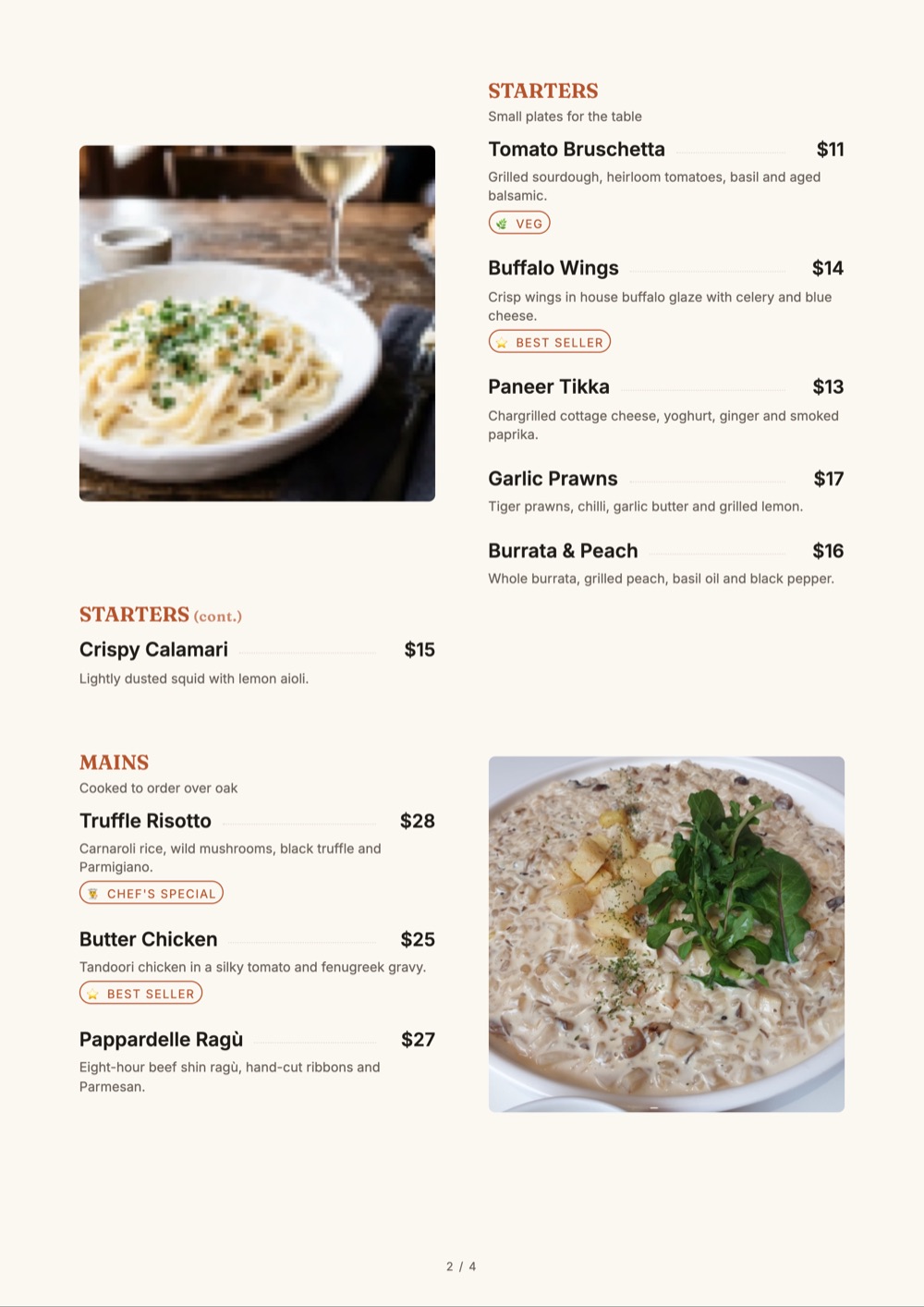
Need menus on paper? Table menus for dine-in service, from classic single-column cards to photo-led A4 pages. Add your dishes and prices, then export a print-ready PDF.
Shown in A4, 5.2 × 11 in and 8 × 8 in. Every plan includes A4 PDF export; A5 starts on Starter, and custom sizes are available on Growth and Pro. Compare plans
Create your restaurant menu once and use it everywhere. MenuFly keeps your menu content connected so you can use the same menu for your digital menu, QR menu and print-ready version.
One Menu. Every Format. Always in Sync.
Restaurants regularly change prices, add new dishes, remove sold-out items and introduce seasonal specials. Maintaining separate digital and printed menus can mean making the same change multiple times.
MenuFly is designed around one central menu, so you can manage your menu content in one place and use it across digital and print formats.
Add it once. It appears on your digital menu straight away and in the next print-ready version you export.
Update the price once. Guests see it on the digital menu immediately, and the print-ready PDF picks it up when you regenerate it.
Create the category once and use it across your menu formats, without rebuilding the layout.
Your restaurant menu changes all the time. Prices change, dishes are added, seasonal specials appear and items are removed. Instead of maintaining separate digital and printed menus, manage the menu content from one place.
Two files to keep in step by hand.
One menu that both formats are built from.
Different restaurants need different menu layouts. Choose a template based on your cuisine, dining style, menu size and service format.
For tasting menus, multiple courses, wine pairings and premium dining experiences.
For restaurants with larger food selections and easy-to-scan categories.
For veg and non-veg dishes, Jain options, spice levels, thalis, regional dishes and half/full portions.
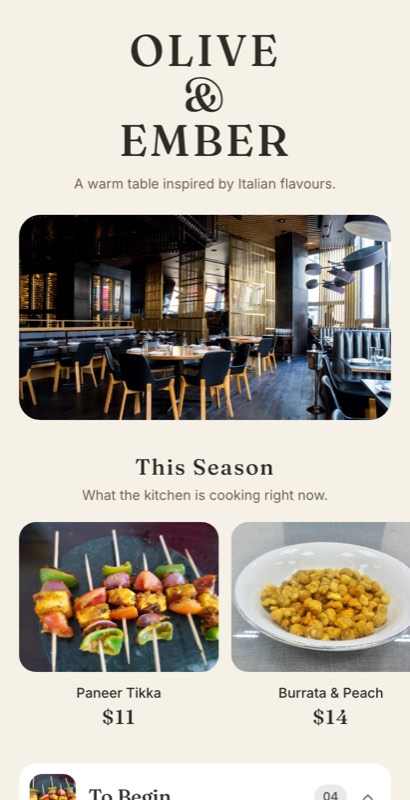
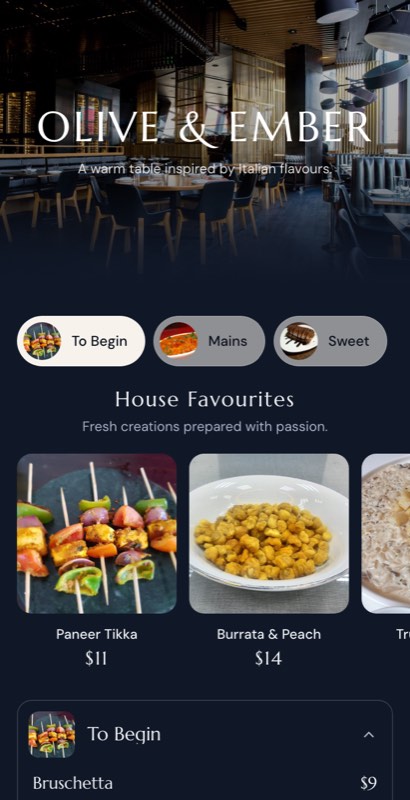
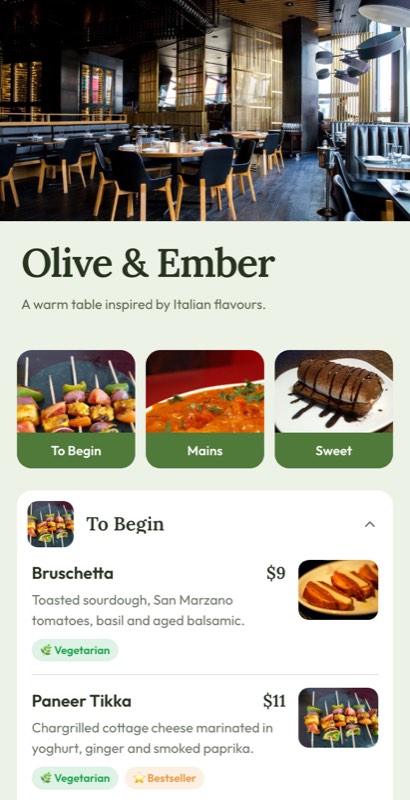
For pizza, pasta, antipasti, mains, desserts and beverages.
For cafes serving breakfast, coffee, snacks, sandwiches, desserts and beverages.
For pizza sizes, crusts, toppings, combinations and add-ons.
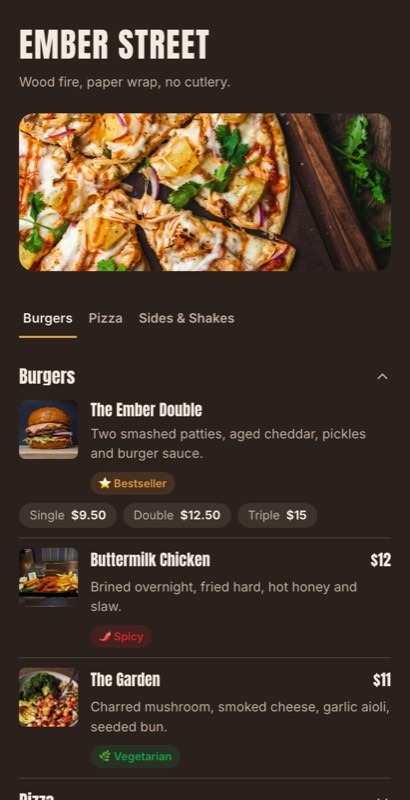
For burgers, sandwiches, combos, sides and beverages.
Running a different kind of food business? See hotel menu templates, cloud kitchen menu templates and food truck menu templates.
A restaurant menu template should be a starting point, not a fixed design. Customize the template with your restaurant name, logo, colors, fonts, dishes, descriptions, prices, photos and menu categories.
Set a primary and an accent colour. Every heading, badge and price rule follows them.
Choose from pairings that are already proven to work together, or upload your brand’s own.
Add, rename and drag sections. Put drinks first if that is how your room orders.
Photos on everything, on chef’s picks only, or nowhere — each looks intentional.
The same template exports as A4, A5, letter, booklet or table tent without redesigning.
Chef’s pick, new, bestseller, spicy, vegan — styled to match the template, not bolted on.
You can customize:
Looking for a free restaurant menu template? Start with a professionally designed MenuFly template instead of creating your menu from scratch.
Choose a design, add your restaurant’s dishes and prices, customize your branding and create your menu online. Start creating your restaurant menu with MenuFly’s free plan — no credit card needed. Starter unlocks 50+ menu and print templates, and Growth and Pro unlock all 100+.
Need physical menus for your restaurant tables? Choose a template that works for print as well as digital, and create a print-ready restaurant menu with your dishes, prices, branding and layout.
Create your menu once and use the same content for your digital menu and print-ready version. See plans for which print formats each includes.
A digital restaurant menu makes it easy for guests to browse your dishes from their phones through a QR code or menu link. Use a template to organize:
The same menu content can also be used for your print-ready restaurant menu.
Looking for restaurant menu ideas? Explore different menu formats and layouts before creating your own.
Starters, mains, desserts and drinks on one card for a focused 20–30 dish menu.
Food on one side and drinks on the other — the classic folded menu card.
A page per course or cuisine, with clear section headers for long menus.
A seven-course tasting menu with an optional wine pairing per course.
See examplesVeg and non-veg marks, half and full portions, and a thali section.
See examplesCoffee and breakfast given equal weight, with snacks and bakes alongside.
See examplesCocktails by spirit, pours by size and a short bar snacks list.
See examplesSizes and crusts as options on each pizza, with toppings as add-ons.
See examplesCombos, family packs and packing notes for collection and delivery.
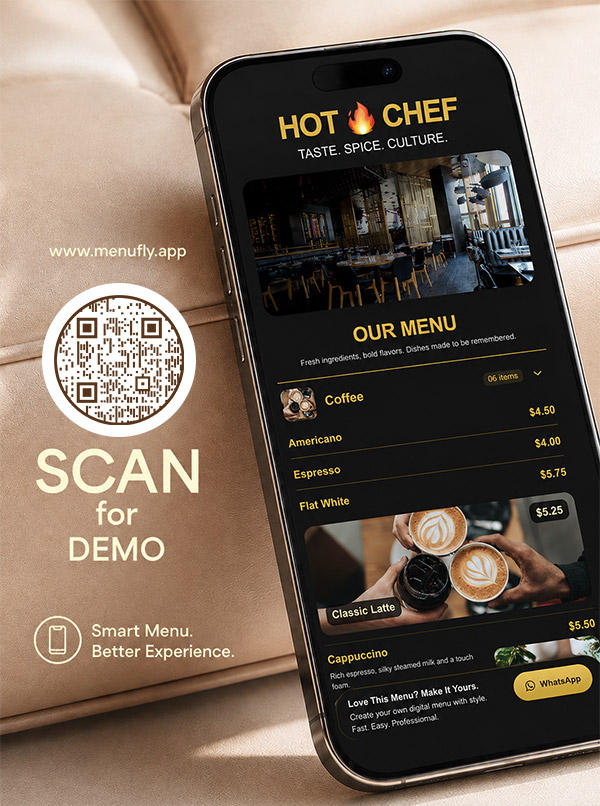
See examplesA phone-first menu behind a table QR code, updated without reprinting.
See examplesCreating a restaurant menu becomes easier when you start with a professionally designed template and organize your dishes before customizing the design.
Select a template that matches your cuisine, restaurant style and menu size.
Group dishes into clear sections such as starters, mains, sides, desserts and drinks.
Add dish names, descriptions, prices, photos and dietary information — or upload your existing menu to import it.
Add your restaurant logo, colors, fonts and visual style.
Check how your menu looks on mobile and in the print-ready format.
Publish your digital menu through a QR code or menu link and create a print-ready version when needed.
Small layout decisions make a menu easier to read and order from. For the reasoning behind them, see the restaurant menu design guide.
Make starters, mains, drinks, desserts and other sections easy to find.
Explain important ingredients or preparation without creating large blocks of text.
Use consistent typography and price alignment throughout the menu.
Use high-quality images for signature dishes and important items without overcrowding the menu.
Short menus can use more whitespace. Larger menus need stronger category hierarchy and efficient layouts.
Make sure your menu remains readable on mobile while also working well as a print-ready menu.
The right restaurant menu layout depends on how many dishes you serve and how guests browse your menu.
Best for small menus, cafes and focused food concepts.
Useful when food and beverages need separate sections.
Suitable for restaurants with many categories.
Useful for extensive food and beverage menus, exported as a booklet PDF.
Designed for mobile browsing, QR codes and frequently updated menus.
Count your dishes, pick the layout, then choose a restaurant menu template that suits it — the same menu can run digitally, in print or both.
Most free menu templates fall apart the moment your dish names are longer than the placeholder text. Ours are built as layouts, not pictures — the typography holds whether a dish is two words or twelve.
A dark, gold-serif template looks superb on screen and wrong in a bright breakfast cafe. Stand in your dining room, look at the light and the furniture, and pick the template you would not be embarrassed to hand someone sitting there.
A 30-dish menu can afford generous spacing and photos on everything. A 120-dish menu needs a dense, text-led layout with strong section headers, or guests will never reach the bottom. Choosing a photo-heavy template for a long menu is the most common mistake we see.
Seasonal specials, a new bar list, a breakfast section — the template you choose today has to absorb next year’s menu too. Templates with clear section headers and no decorative page furniture age best.
Guests never see the four colour variations you agonised over. They see whether the prices are legible in the light at table nine. Ship the menu, then use menu analytics to decide what to change.
A ready-made menu layout with the typography, spacing and sections already designed. You replace the sample dishes with your own items, prices and photos instead of designing a menu from a blank page.
Yes, you can start free. The Free plan includes 5 digital menu templates; paid plans from ₹2,999 a year unlock 50+ (Starter) or 100+ (Growth and Pro) menu and print templates. See pricing for what each plan includes.
Yes, any time — including after you publish. You can even switch templates entirely without retyping a single dish, because your item list is separate from the design.
Yes. Templates take your logo, brand colours and fonts, and the whole layout follows them. Starter adds your logo and basic brand colours; Growth and Pro add full brand colours and custom fonts.
Yes. MenuFly runs in the browser, so you can build, edit and publish your menu without installing anything. The online menu maker page shows how it works.
Pick a template, organize your categories, add dishes with prices and photos, apply your branding, then publish it as a QR menu and export a print-ready version when you need one.
Yes. Each template has a print layout built alongside the screen layout, so the PDF and the QR menu come from the same menu content and look like the same restaurant.
Both are built from one central item list. When you change a dish or price, the digital menu updates straight away; for print, you regenerate the PDF whenever you are ready to reprint, so it never comes from a stale copy.
Yes. Export a print-ready PDF with bleed and crop marks for your printer, or a simple version for office printing. Every plan includes a basic A4 PDF; Starter adds A5, and Growth adds Letter, booklet and print-ready layouts.
A4 suits most table menus, A5 works for shorter menus and cafes, and a booklet makes sense for long food and drinks lists. Choose by dish count: the more categories you have, the more space each section needs.
Start with the closest one and change the colours, fonts, photo density and section order — that covers most cases. For a bespoke design, our team can build one for you.
No. The spacing, type scale and alignment are fixed by the template, which is exactly the part non-designers get wrong in a generic design tool. See how MenuFly compares with one in our MenuFly vs Canva comparison.
Sixteen collections, all editable, all free to start from.
Fine dining to casual, ready to edit
You are hereDrinks-first layouts and day parts
See templatesEspresso boards, sizes and milk options
See templatesCounter lists, boxes and daily bakes
See templatesCocktails, pours, tabs and late hours
See templatesSizes, crusts and build-your-own toppings
See templatesCombos, value boards and quick ordering
See templatesShort menus that read from two metres away
See templatesRoom service, lounge, breakfast and banquets
See templatesDelivery-first layouts for multiple brands
See templatesThalis, tandoor, spice levels and Jain marks
See templatesTasting menus, courses and wine pairings
See templatesPatisserie, gelato and dessert-only lists
See templatesEgg builds, all-day brunch and clock rules
See templatesJuices, teas, mocktails and cold cabinets
See templatesCollection, packing notes and family packs
See templatesDesigns built around drinks lists, day parts and counter service.
Read moreLayouts for counters, boxes, whole-cake pricing and daily bakes.
Read moreThe principles behind why these layouts are laid out this way.
Read moreBuild one menu and publish it digitally and in print.
Read moreOne QR code that always opens the latest menu.
Read morePDFs with bleed and crop marks, ready for your printer.
Read moreChoose a restaurant menu template, add your dishes and prices, customize your branding and use the same menu for digital and print. With MenuFly, you can manage your menu content in one place and create the formats your restaurant needs.
Start with a professionally designed restaurant menu template instead of a blank page · No credit card required
Tell us two numbers. We’ll estimate the opportunity for your restaurant.
Estimates based on your inputs. Actual results vary.