Home / Bar Menu Templates
Bar menu templates

Bar Menu Template Designs for Cocktails, Beer & Spirits

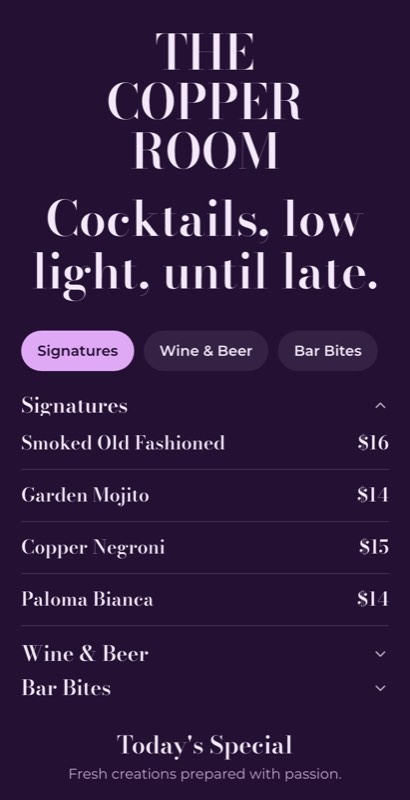
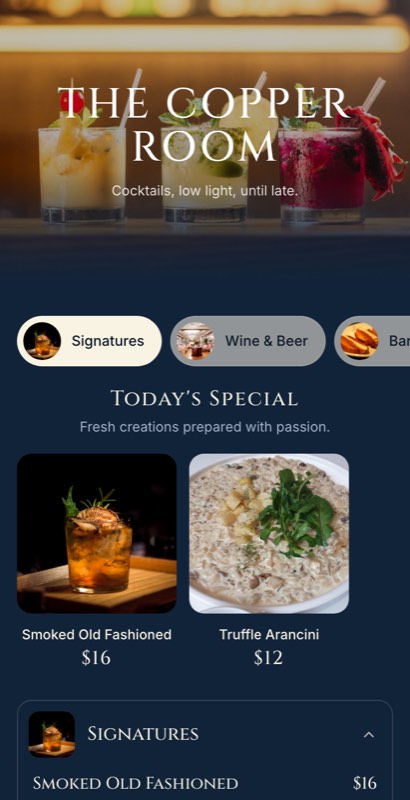
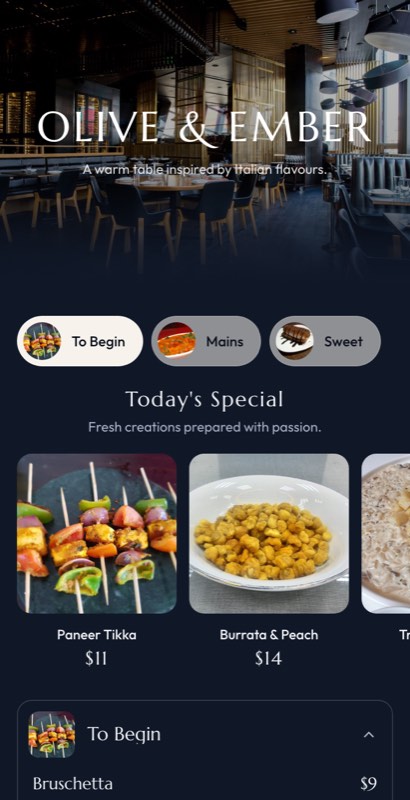
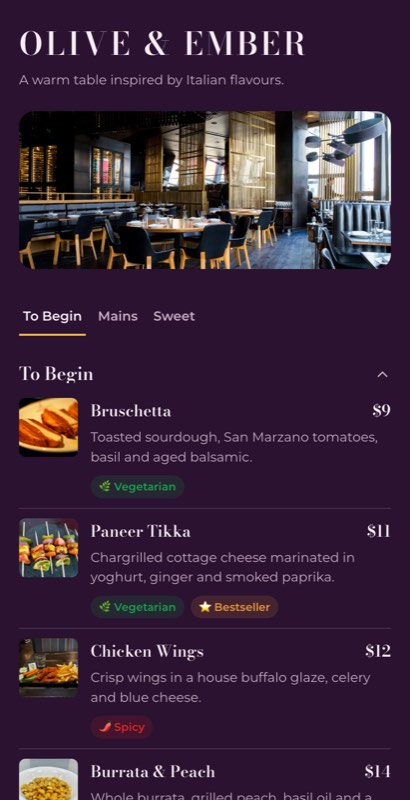
Looking for a bar menu template that fits your venue? MenuFly offers editable bar menu designs for cocktail bars, pubs, lounges, wine bars and whisky bars. Choose a design, add your drinks and prices, and customize the layout to match your brand.

From a modern cocktail menu to a classic pub drinks list, start with a template instead of designing your bar menu from a blank page.

Choose a bar menu template, make it yours, and create a menu that customers can browse with ease.

The gallery

Explore Bar Menu Templates

The right bar menu design depends on what you serve and how your customers order. A cocktail lounge may need room for drink descriptions, while a pub may need a compact list of beers and prices.
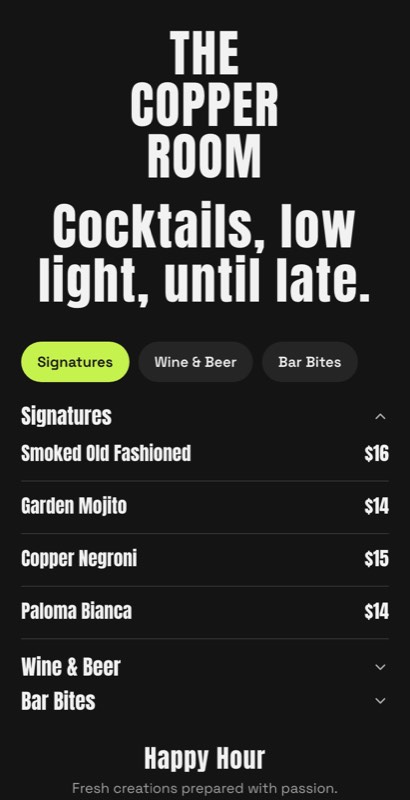
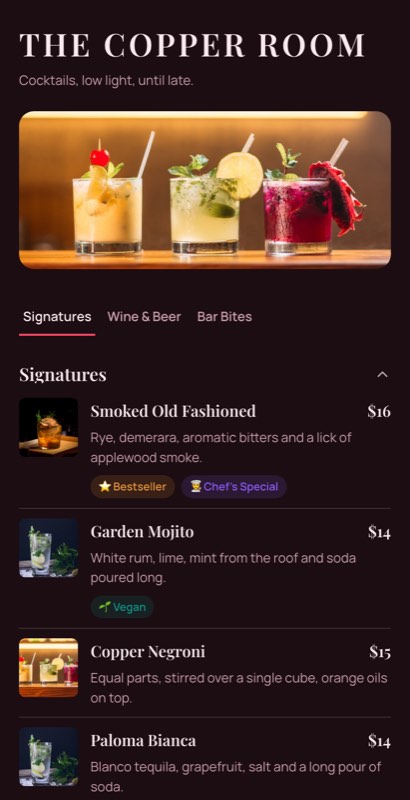
After Dark menu template: a mobile bar menu with a wordmark header, a photo banner, category tabs and priced item rows you can edit. Use this template
After DarkCocktail bar · low light
Mixology menu template: a mobile bar menu with a wordmark header, a photo banner, category tabs and priced item rows you can edit. Use this template
MixologySpeakeasy · build-led
Harbour Bar menu template: a mobile bar menu with a wordmark header, a photo banner, category tabs and priced item rows you can edit. Use this template
Harbour BarWaterfront · relaxed
Skyline Bar menu template: a mobile bar menu with a wordmark header, a photo banner, category tabs and priced item rows you can edit. Use this template
Skyline BarRooftop · wide type
Cellar menu template: a mobile bar menu with a wordmark header, a photo banner, category tabs and priced item rows you can edit. Use this template
CellarWine bar · list-first
Neon Hour menu template: a mobile bar menu with a wordmark header, a photo banner, category tabs and priced item rows you can edit. Use this template
Neon HourLate-night · high contrast
Amber Club menu template: a mobile bar menu with a wordmark header, a photo banner, category tabs and priced item rows you can edit. Use this template
Amber ClubWhisky bar · grid pours
Template styles

Explore these bar menu template styles to find a starting point for your business.

🍸

Cocktail Bar Menu Templates

Create a cocktail menu with sections for signature drinks, classic cocktails and seasonal specials. Use space for ingredients, flavour notes and prices without making the layout difficult to scan.

🍺

Beer Menu Templates

Organize draught beer, bottled beer, craft beer and imported selections into clear categories. Make serving sizes and prices easy to compare.

🍷

Wine Menu Templates

Present red, white, rosé and sparkling wines in a structured layout. Add regions, vintages, tasting notes and glass or bottle prices where relevant.

🥃

Whisky and Spirits Menu Templates

Arrange whisky, gin, rum, vodka and other spirits in a readable list. If you offer multiple pour sizes, make the serving options and prices clear.

🍻

Pub Menu Templates

Choose a practical design for beer, cocktails, spirits and bar snacks. Keep categories distinct so customers can quickly find what they want.

🌃

Lounge and Rooftop Bar Menu Templates

Explore contemporary layouts for rooftop bars, hotel lounges and premium cocktail venues. Select typography, colours and imagery that complement your interior and brand.
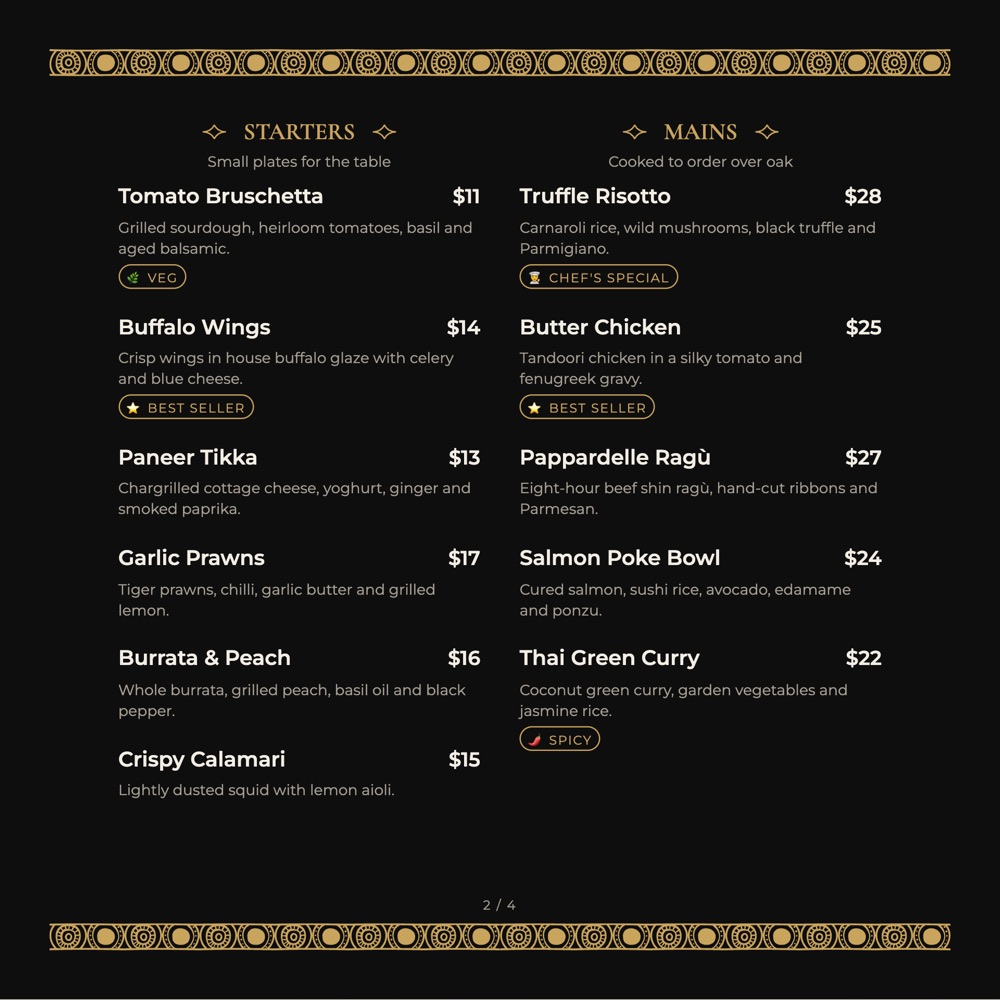
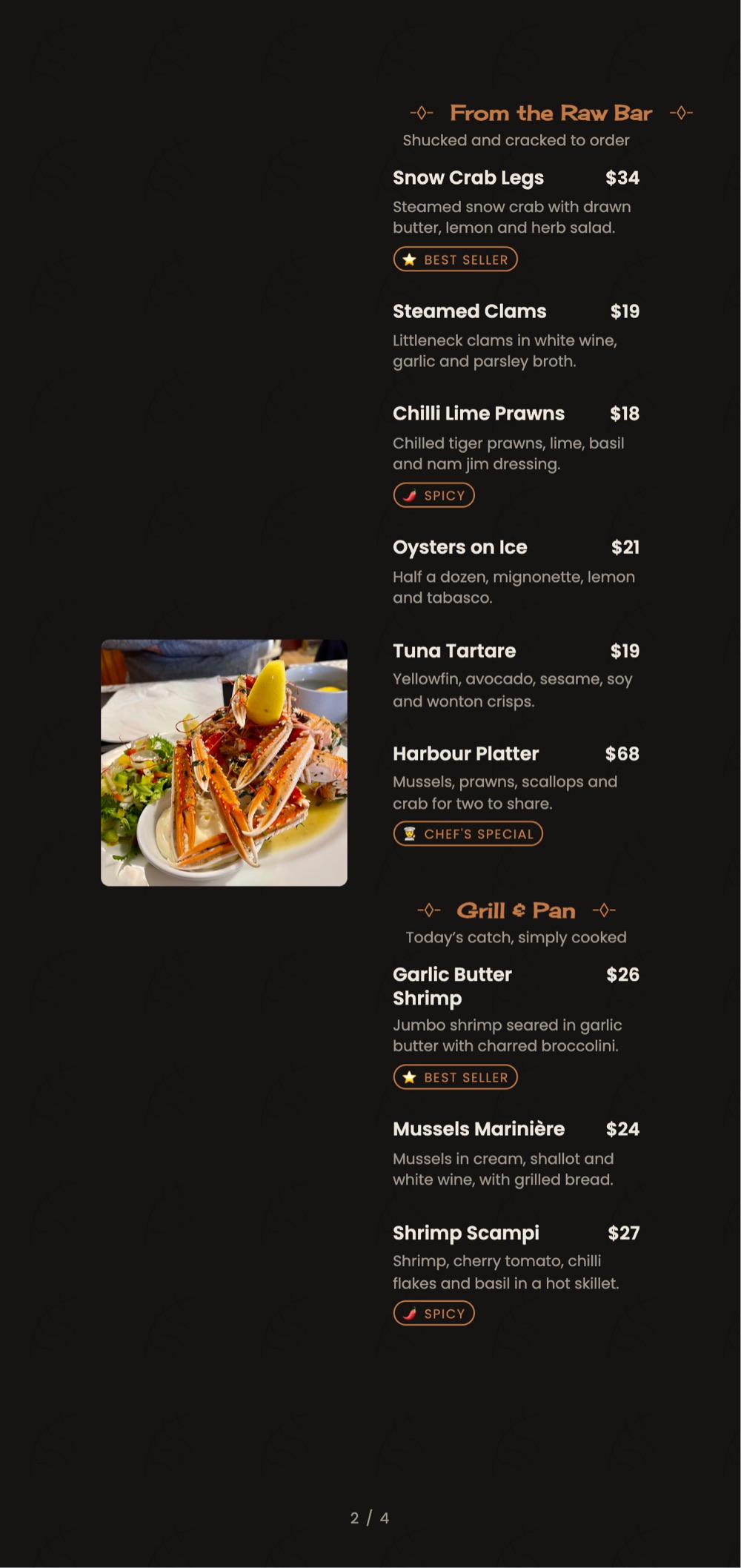
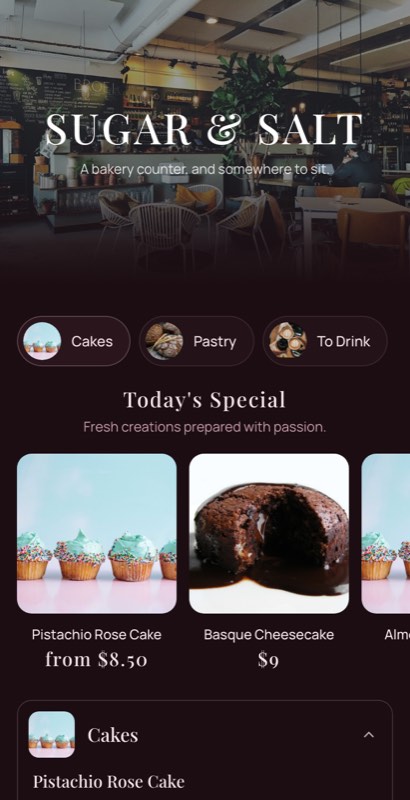
Browse the templates above and choose a design that suits your drinks list.

Real examples

A Cocktail List and a Spirits List Need Different Layouts

A signature cocktail earns a line of ingredients. A spirits shelf works better as a compact grid with 30 ml and 60 ml pours side by side. A good bar menu template handles both in the same design.

After Dark
Signatures · last pour 12:30 am
SignaturesClassicsSpiritsWine
Signatures
🍸
Smoked Old Fashioned
Bourbon, oak smoke, bitters
₹750
🍹
Curry Leaf Gimlet
Gin, lime cordial, curry leaf
₹690
Tap to make it yours✓
Classics
🍸
Negroni
Gin, Campari, sweet vermouth
₹650
🥃
Whisky Sour
Bourbon, lemon, egg white
₹620
Cocktail listRoom for ingredients and flavour notes
Amber ClubWhisky & Spirits
Spirit30 ml60 ml
Johnnie Walker Black₹450₹850
Glenfiddich 12₹620₹1,180
Monkey Shoulder₹540₹1,020
Tanqueray₹380₹720
Bombay Sapphire₹360₹690
Old Monk₹180₹340

One line per spirit · pours side by side

Spirits listCompact grid with pour sizes
Choosing well

What Makes a Good Bar Menu Template?

A bar menu needs to do two things well: represent your venue and help customers find drinks and prices quickly. A visually attractive design is useful only when the information remains easy to read.

Choose a Layout That Fits Your Drinks List

Cocktails, wine and spirits have different information requirements. Signature cocktails may need short descriptions, while a spirits list may work better as a compact table with serving sizes and prices.

Choose a bar menu template that suits the information you actually need to display.

Make Drink Names and Prices Easy to Scan

Use clear category headings, consistent spacing and a predictable price layout. Avoid decorative elements that compete with the drink names or make prices difficult to find.

Give Signature Cocktails More Attention

If your bar serves original cocktails, give them enough space for a short description of their ingredients or flavour profile. Keep familiar drinks more compact when extra detail is unnecessary.

Guests will read three lines about a drink you invented; they will not read three lines about a gin they already know. That contrast is what makes your signatures feel special.

Design for Your Bar’s Lighting

A menu that looks good on a bright computer screen may be difficult to read at a dimly lit table. Check text contrast, font size and spacing in the lighting where customers will use the menu.

A simple test: open the menu at the darkest table in your room, at the hour you are busiest. If the price is hard to find there, fix that before anything else.

Keep Serving Sizes Clear

When a drink is available in different sizes, show the options consistently. For spirits, for example, you might display 30 ml and 60 ml prices alongside the drink name, if those are the servings your bar offers.

  • Keep one line per spirit, with pour prices side by side
  • Add a bottle price only where you actually sell bottles
  • Avoid repeating the spirit name once per pour size
How it works

How to Create a Bar Menu with MenuFly

You don’t have to build your bar menu from scratch. Start with a suitable template and customize it for your venue.

01

Choose Your Bar Menu Design

Browse the available bar menu templates and select a style that matches your business, whether it’s a neighbourhood pub, cocktail lounge or premium spirits bar.

02

Add Your Drinks and Prices

Enter your drink names, descriptions and prices. Organize the list into relevant categories such as signature cocktails, beer, wine, whisky, spirits and mocktails.

03

Customize Your Branding

Use your restaurant or bar logo, brand colours, typography and suitable images to make the menu feel consistent with your business identity.

04

Review Your Menu

Check spelling, prices, serving sizes and category order. Preview the menu at the size and format in which your customers will use it.

05

Publish or Export Your Menu

Use the publishing and export options available in your MenuFly plan to prepare your menu for digital viewing or printing.

Design ideas

Bar Menu Design Ideas for Different Venues

Not every bar needs the same menu layout. Use these ideas to select a design that suits your customers and drinks selection.

🍸

Modern Cocktail Bar

Use a clean, expressive layout with a dedicated section for signature cocktails. Short ingredient descriptions and carefully selected imagery can help highlight your drinks without overcrowding the page.

🍻

Classic Pub

Prioritize readability and straightforward categories. Beer, spirits, cocktails and snacks should be easy to locate, with prices presented consistently.

🍷

Wine Bar

Use a more editorial layout with clearly organized wine categories. Include regions, grape varieties, vintages and tasting notes where they help customers make a choice.

🥃

Whisky Bar

A structured spirits list can help customers compare labels and serving options. Keep the whisky name, pour size and price easy to distinguish.

🏨

Rooftop or Hotel Lounge

Choose a refined layout that reflects the venue’s atmosphere. A balanced combination of typography, whitespace and a restrained colour palette can work well for signature drinks and premium spirits.

Digital and print

Digital Bar Menu vs Printed Bar Menu

🖨

Printed bar menu

Useful for table service, counters and venues where guests prefer a physical list.

📱

Digital bar menu

Lets customers open the menu on their phones, often through a QR code.

The best format depends on your service style and customers. Some bars prefer printed menus, while others use digital menus for convenient mobile access.

MenuFly supports digital menu creation and print-ready PDF workflows. Explore the available options to choose the format that fits your business.

Looking to publish your drinks list online? Visit our digital bar menu page.

FAQ

Frequently Asked Questions

Where can I find a bar menu template?

You can browse the bar menu templates on this page and choose a design that suits your venue. MenuFly provides templates to help you get started without designing the entire menu from scratch.

Can I edit a bar menu template?

Yes. MenuFly templates are designed to be customized using the editing options available in the product. You can personalize supported design elements and add your own drinks, prices and branding.

Can I create a cocktail menu template with MenuFly?

Yes. Choose a suitable bar menu design and organize your cocktails into sections such as signature cocktails, classic cocktails and seasonal drinks.

What should a bar menu include?

A typical bar menu may include cocktails, beer, wine, spirits and non-alcoholic drinks. Depending on your business, you may also include serving sizes, prices, short descriptions and bar snacks.

How do I make a bar menu easy to read?

Use clear headings, readable typography, sufficient contrast and consistent price placement. For a dimly lit venue, check the finished design in the actual lighting before using it.

Can I use a bar menu template for a pub or lounge?

Yes. Choose a layout that suits your drinks selection and customize the categories for your venue. A pub might emphasize beer and snacks, while a cocktail lounge may give more space to signature drinks.

Can I create a digital bar menu?

MenuFly provides a digital bar menu solution. Visit the digital bar menu page to learn more about the digital menu workflow.

Can I print a bar menu created with MenuFly?

MenuFly supports print-ready PDF workflows. Check the current plan and export options to confirm which formats and features are available for your account.

Are bar menu templates free?

MenuFly offers a free starting option. Check the current MenuFly pricing page for available plans and feature limits.

Every collection

Menu templates by business type

Sixteen collections, all editable, all free to start from.

Keep exploring

Related pages

Create Your Bar Menu with MenuFly

Your drinks list deserves a design that suits your venue and makes every category easy to browse. Choose a bar menu template, add your cocktails, beer, wine and spirits, and customize the design to reflect your brand.

Ready to design your bar menu? Explore the templates and start creating with MenuFly.

No credit card required · Set up in 5 minutes