Home / MenuFly vs Canva
Comparison · Updated 2026

Canva Alternative for Restaurant Menus: MenuFly vs Canva

MenuFly and Canva are both useful for creating restaurant menus, but they take different approaches. Compare their design tools, templates, digital menus, QR codes, menu updates and print workflows to find the right fit for your restaurant.
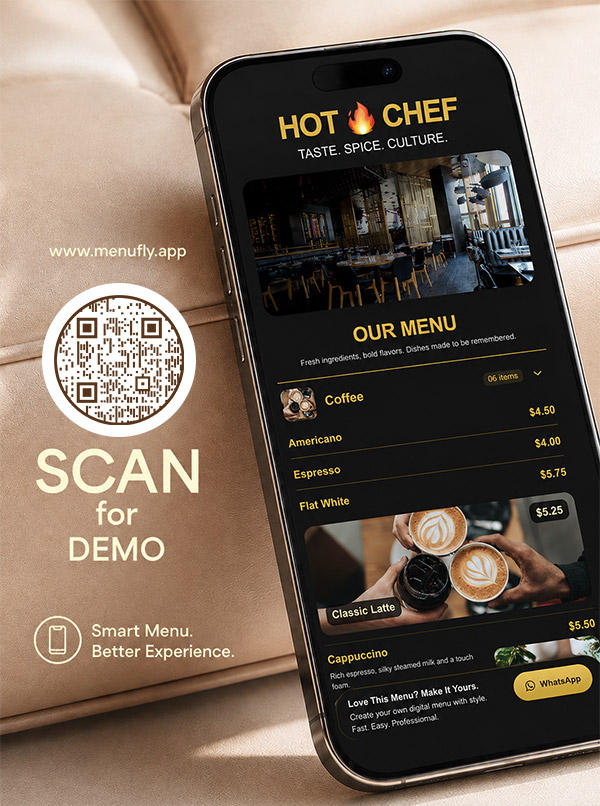
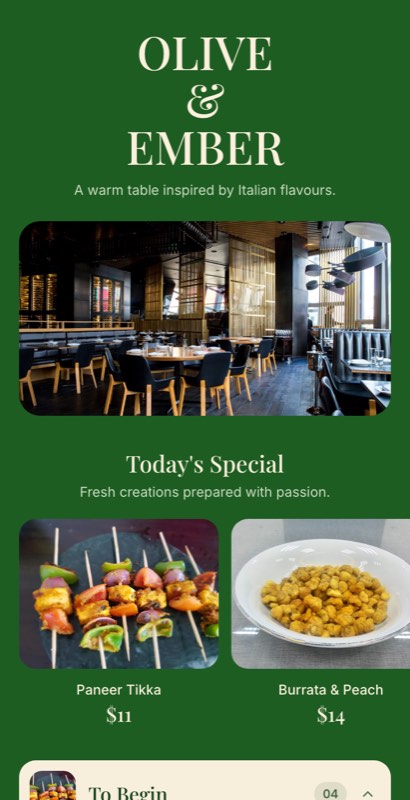
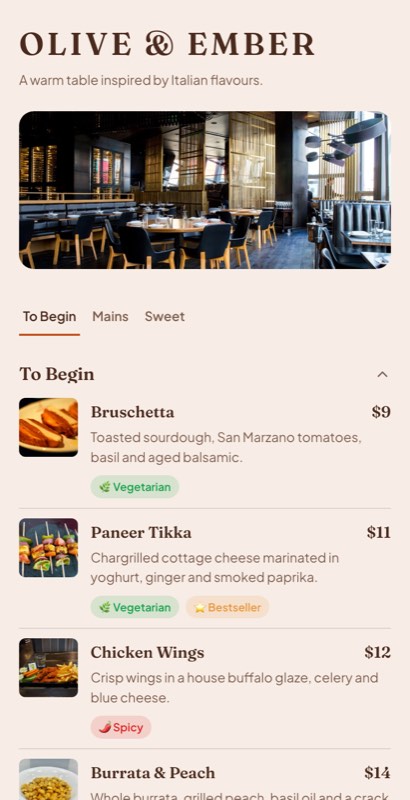
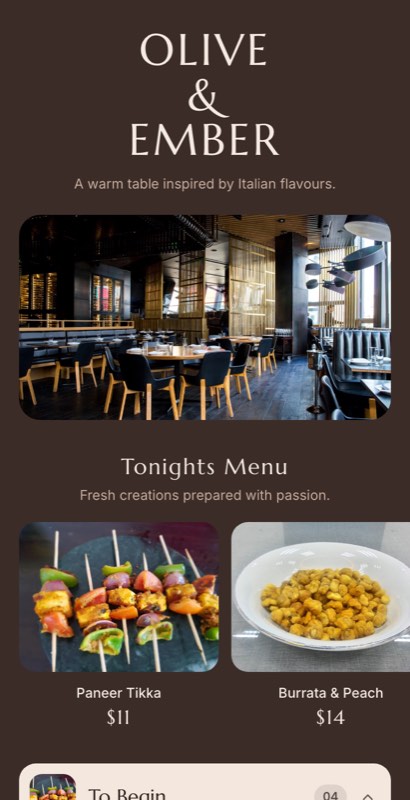
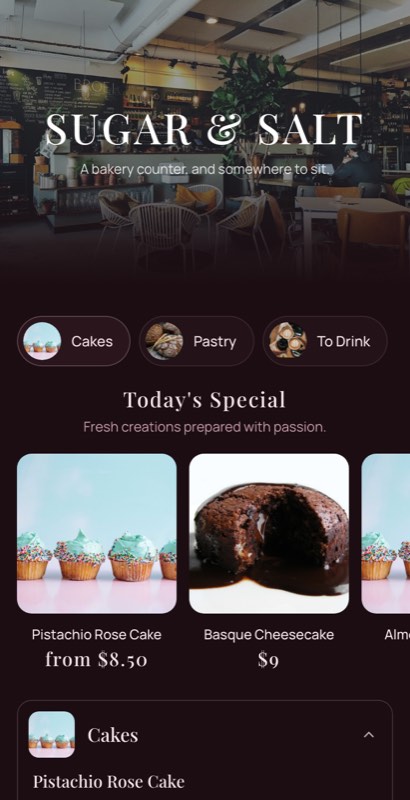
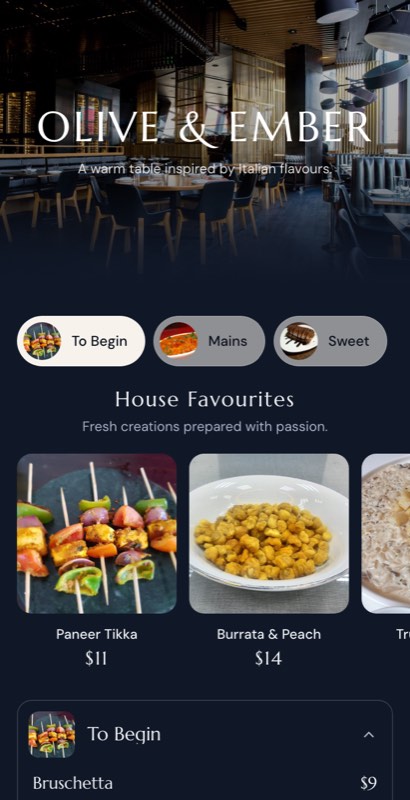
A digital restaurant menu open on a phone beside a QR code table card.
Digital + QR menu
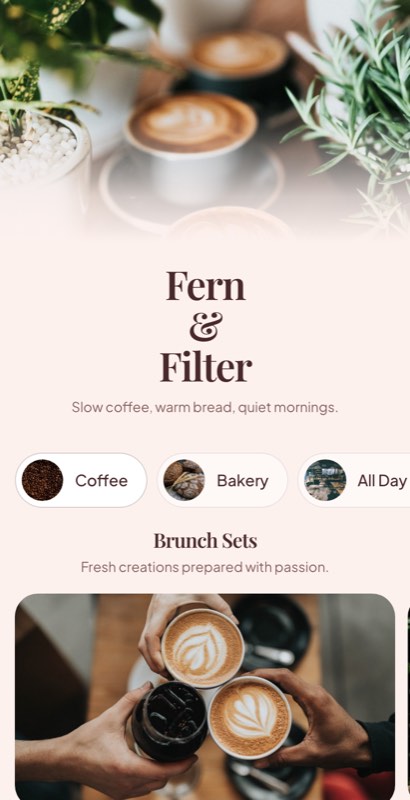
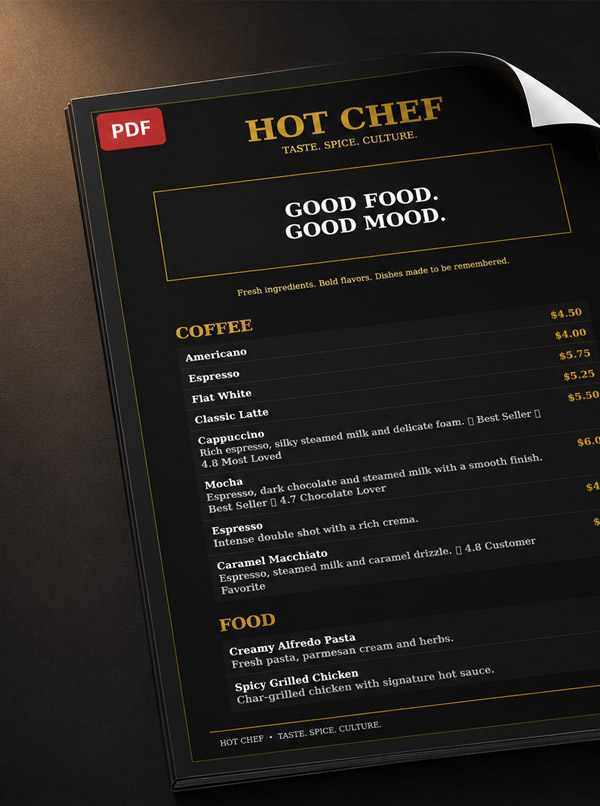
A restaurant menu exported as a printed A4 menu in black and gold.
Print-ready PDF

A note before you read: this comparison is written by the MenuFly team. We’ve tried to be fair to Canva — it’s an excellent design platform, and many restaurants use both tools. Canva features and pricing change over time, so check canva.com for the latest details.

Quick answer

MenuFly vs Canva: What’s the Difference?

Canva

General-purpose design platform

Canva is a visual design platform that can be used to create restaurant menus along with social posts, flyers, presentations, advertisements and other marketing materials.

MenuFly

Restaurant-focused menu platform

MenuFly is designed specifically around restaurant menus, including digital menus, QR menus, restaurant templates, menu management and print-ready PDFs.

The main difference is the workflow. Canva focuses primarily on visual design, while MenuFly focuses specifically on creating, managing and publishing restaurant menus.

Side by side

Feature Comparison

Both tools can produce a restaurant menu. The differences are in specialization and workflow, not in basic capability.

FeatureMenuFlyCanva
Restaurant menu templatesYesYes
General design templatesFocused on menusYes
Digital restaurant menuYesCan create menu designs
QR menuYesCan create QR code / design
Mobile menu experienceYesPrimarily design / export
Restaurant menu item managementYesPrimarily design-based
Menu updatesUpdate menu contentEdit the design
Digital + print workflowYesPrimarily design / export
Print-ready PDFYesYes
Menu analyticsYesNot focused on menu analytics
Food / image libraryYesYes
Backgrounds & graphicsYesYes
Restaurant-specific templatesYesYes, among broader templates
General graphic designLimited / focusedYes
Best suited forRestaurant menu workflowGeneral visual design

Features can vary by plan and change over time. This comparison focuses on the core workflow of each platform.

Restaurant menu workflows

How Restaurant Menu Workflows Differ

Creating a restaurant menu can be as simple as designing a single PDF, or it can involve a digital menu, QR code, printed menus and frequent price and item updates. The best tool depends on how your restaurant works and how often your menu changes.

📄

A menu that rarely changes

A set menu, an event menu or a printed card you update once or twice a year. Here the job is mostly design: lay it out well, export it and print it. A general design tool handles this comfortably.

🔄

A menu that changes often

Prices follow food costs, dishes launch and sell out, specials rotate and guests scan a QR code at the table. Here the job is ongoing menu management across several formats.

PricesDishesFood costsAvailabilitySeasonal specialsOffers
Two approaches

How MenuFly and Canva Handle Restaurant Menus

Canva

Design-first workflow

Create
Design
Customize
Export
Print / share

The menu is a design document. Updates are made by editing the design, then exporting and sharing or printing it again.

MenuFly

Menu-content workflow

Create
Manage menu content
Publish digital menu
Generate QR menu
Export print PDF

The menu is structured content — dishes, prices, categories — and the digital menu, QR menu and print PDF are generated from it.

Neither workflow is inherently right for every restaurant. Canva may be preferable when you want a flexible general-purpose design tool, while MenuFly may be useful when restaurant menu management and multiple menu formats are central to your workflow.

Use cases

MenuFly vs Canva for Different Restaurant Needs

How each tool approaches the jobs restaurants most often need a menu tool for.

🎉

Social posts, flyers & promotions

CanvaA natural fit: menus, posts, posters and ads in one design tool.

MenuFlyFocused on the menu itself; you’d use a design tool for other marketing.

📄

A one-off printed menu

CanvaDesign it, export a PDF and print it, or use Canva’s print service.

MenuFlyBuild from a restaurant template and export a print-ready PDF.

📱

A digital menu guests scan

CanvaCreate a menu design and a QR code that points to it.

MenuFlyPublish a mobile menu with categories and dishes behind your QR codes.

₹

Frequent price changes

CanvaEdit prices in the design, then re-export and re-share each version.

MenuFlyUpdate the price once in your menu content; the digital menu reflects it and the next PDF includes it.

⭐

Specials & bestsellers

CanvaHighlight them visually in the design by hand.

MenuFlyTag dishes as New, Chef’s Special or Bestseller in the menu.

📈

Knowing what guests look at

CanvaNot focused on menu-level analytics.

MenuFlyMenu analytics on how guests use the digital menu.

Example

Example: Launching a New Dish

Say you launch a Smoky Peri Peri Paneer Pizza, post a Reel about it, and customers start asking for it.

In Canva, you’d add the dish to your menu design, re-export it, and update the printed copies and any PDF or image you share online.

In MenuFly, you’d add the dish to your menu content. It appears on the live digital menu behind your QR codes, can be tagged as:

NewChef’s SpecialBestsellerLimited Time

…and goes into the next print-ready PDF you generate.

Instagram Reel
Customer visits
Scans QR
Sees new dish
Orders
Templates

Restaurant Menu Templates in Canva and MenuFly

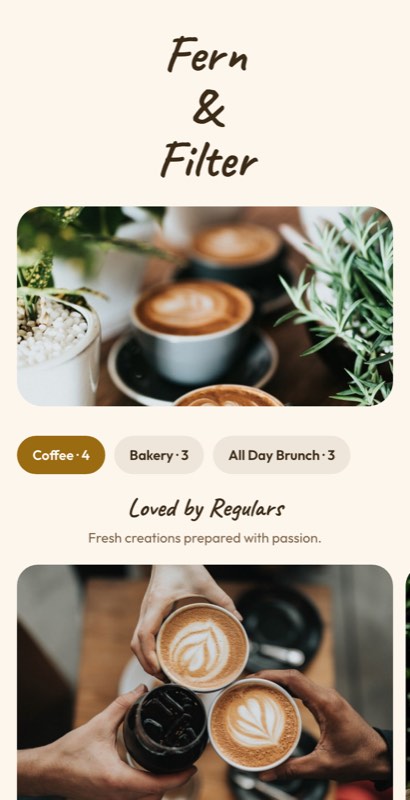
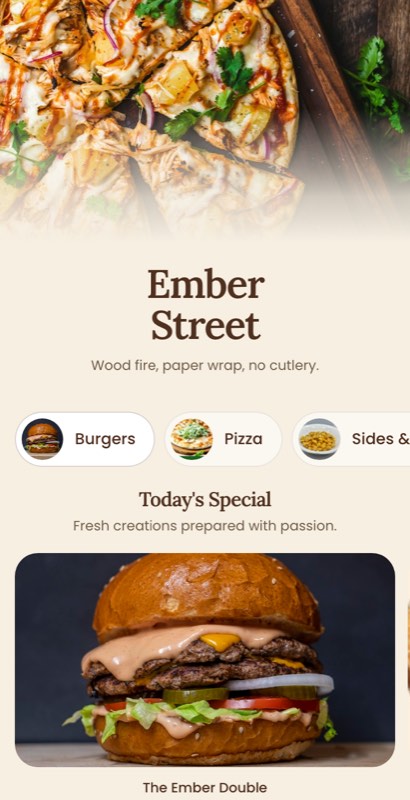
Both tools give you a head start. Canva’s template library is broad and covers menus alongside every other kind of design. MenuFly’s 100+ restaurant menu templates are built only for menus — restaurants, cafés, bars, bakeries, hotels, pizzerias, cloud kitchens and more.

Casa Verde italian restaurant menu template by MenuFly.Use this template
Casa VerdeItalian
Masala Table indian restaurant menu template by MenuFly.Use this template
Masala TableIndian
Daylight Cafe café restaurant menu template by MenuFly.Use this template
Daylight CafeCafé
Margherita Lane pizzeria restaurant menu template by MenuFly.Use this template
Margherita LanePizzeria
Chef’s Table fine dining restaurant menu template by MenuFly.Use this template
Chef’s TableFine dining
After Dark bar restaurant menu template by MenuFly.Use this template
After DarkBar
Brunch Club brunch restaurant menu template by MenuFly.Use this template
Brunch ClubBrunch
Copper Lantern bistro restaurant menu template by MenuFly.Use this template
Copper LanternBistro
Printing

Printing Restaurant Menus With Either Tool

Both tools export print-ready PDFs, and Canva also offers its own printing service. The difference is where the print file comes from: a Canva design you edit, or MenuFly menu content you regenerate the PDF from after an update.

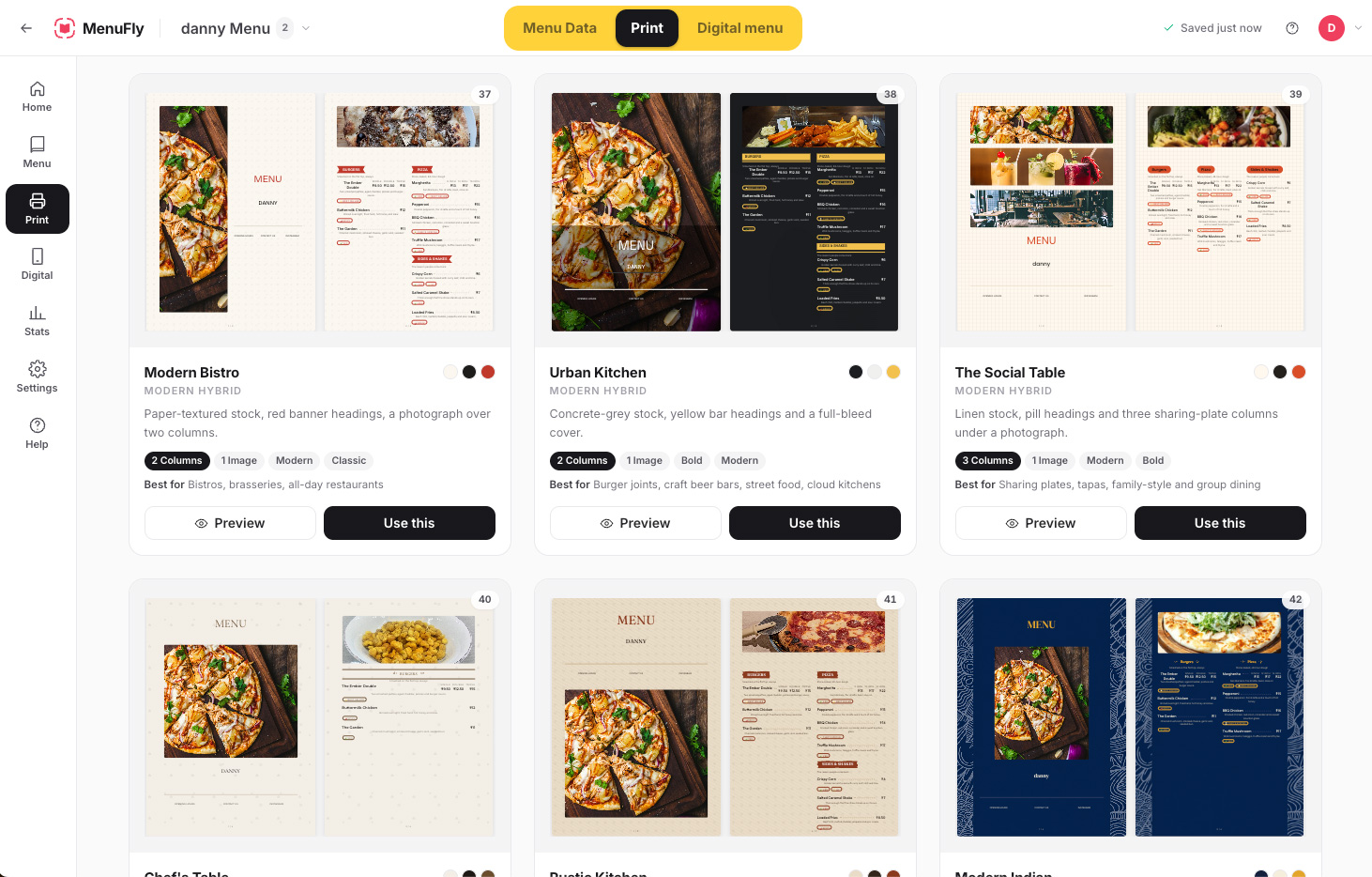
MenuFly print menu templates gallery showing Modern Bistro, Urban Kitchen, The Social Table and other two- and three-column print layouts with Preview and Use this buttons.

100+ print menu templates in MenuFly

MenuFly’s print templates turn the same menu content into layouts such as:

A4A5LetterBookletTable menusOther supported formats

Available formats can vary by plan. Not sure which size to print? See our guide to restaurant menu sizes.

Example print run
10pages
10copies
₹10per page
= ₹1,000

MenuFly printing can start around ₹10–₹30 per page. Actual prices depend on paper, size, lamination, finishing, quantity and location. For the bigger picture, see what a restaurant menu costs.

Choosing

MenuFly vs Canva: Which Is Right for You?

Canva

Choose Canva if you need a general design platform

Canva is suitable when restaurant menus are just one part of your design needs.

MenuFly

Choose MenuFly if you need a restaurant-focused menu workflow

MenuFly is designed around restaurant menus and connects menu creation with digital publishing, QR menus and print-ready PDFs.

Both

Use both if your team designs a lot

Some restaurant teams use Canva for their broader marketing design and MenuFly specifically for their menu workflow. The two tools don’t have to be mutually exclusive.

When Canva May Be the Better Choice

Canva may be a good choice if you:

  • Already use Canva for your restaurant’s marketing
  • Need to create social media posts, flyers and menus in one platform
  • Want extensive general-purpose design tools
  • Need maximum creative flexibility
  • Already have a Canva workflow your team is comfortable with
  • Primarily need a printable menu design rather than a menu management system

When MenuFly May Be the Better Fit

MenuFly may be a good fit if you:

  • Primarily need restaurant menu creation
  • Want restaurant-specific menu templates
  • Need a digital menu for customers
  • Want to connect a menu to a QR code
  • Need both digital and print-ready versions
  • Frequently change dishes, prices or menu sections
  • Want menu analytics
  • Prefer managing menu content separately from the visual design
Pricing

Pricing at a Glance

The two tools have different pricing models, so compare them against what you actually need.

Canva offers a free plan and paid plans with additional features. Check Canva’s pricing page for current details.

MenuFly has a free plan, and paid plans start at ₹2,999 a year (Starter). Growth, the most popular plan for digital + print, is ₹5,999 a year. Physical printing is separate and depends on your requirements.

MenuFly plans
₹0 to start

Free plan · no credit card required

Starter₹2,999/year
Growth · most popular₹5,999/year
Pro₹11,999/year
PrintingSeparate, as needed

Features and pricing can vary by plan.

Who wrote this comparison

Built by People Who Design Restaurant Menus

MenuFly is backed by Aveera Design Solutions and Menu Card Studio, which have designed and delivered 1,000+ restaurant menus. The requests we heard most from restaurant owners shaped how MenuFly works:

“Can you change this price?”

“Can you add this new dish?”

“Can we print only 10 copies?”

“Can we add this special without reprinting the entire menu?”

Restaurants using or working with MenuFly are located across:

United StatesCanadaUnited KingdomGermanyDubaiUAEIndia
Summary

MenuFly vs Canva: Final Comparison

If you need…Consider
General graphic designCanva
Social media designCanva
Flyers and promotional graphicsCanva
Maximum creative flexibilityCanva
Restaurant menu templatesBoth
Print-ready PDFBoth
Digital restaurant menuMenuFly
QR menu workflowMenuFly
Menu content managementMenuFly
Digital + print menu workflowMenuFly
Menu analyticsMenuFly
Restaurant-focused workflowMenuFly

There isn’t one universal winner. Canva is a broad design platform with restaurant menu capabilities, while MenuFly is focused specifically on restaurant menu creation and management. The right choice depends on whether you primarily need a general design tool or a dedicated restaurant menu workflow.

FAQ

Frequently Asked Questions

What is the difference between MenuFly and Canva?

Canva is a general-purpose design platform used for menus as well as social posts, flyers, presentations and other marketing materials. MenuFly is focused specifically on restaurant menus, connecting menu creation with digital menus, QR menus, menu management and print-ready PDFs.

Is Canva good for creating restaurant menus?

Yes. Canva can be used to create restaurant menus and provides a wide range of design templates and visual editing tools. It can be particularly useful when you also need to create other marketing materials.

Can I create a restaurant menu in Canva?

Yes. Canva provides tools and templates that can be used to design restaurant menus and export them for printing or sharing.

Is MenuFly a Canva alternative for restaurants?

Yes. MenuFly can be used as a Canva alternative when the primary requirement is creating and managing restaurant menus. It focuses on restaurant-specific templates, digital menus, QR menus and print-ready PDFs.

Which is better for restaurant menu design, Canva or MenuFly?

It depends on your requirements. Canva offers broader design flexibility, while MenuFly focuses on the restaurant menu workflow. If you need general graphic design as well as menus, Canva may be more suitable. If your main requirement is restaurant menu creation, digital publishing, QR menus and print-ready output, MenuFly may be a better fit.

What is the best Canva alternative for restaurant menus?

The best alternative depends on what you need beyond design. If you want a tool built around restaurant menus — with digital and QR menus, menu content management and print-ready PDFs from the same menu — a dedicated restaurant menu maker such as MenuFly is worth comparing.

Can I use MenuFly and Canva together?

Yes. Some restaurant teams use Canva for broader marketing design and MenuFly for their menu workflow. The two tools don’t have to be mutually exclusive.

How do I create a digital restaurant menu?

Add your categories, dishes and prices to a digital menu tool, publish it, and connect it to a QR code guests can scan at the table. Our guide on how to create a QR code menu walks through the steps.

Does MenuFly support printed menus?

Yes. MenuFly can generate print-ready PDFs from your menu content, so you can print physical menus whenever you need them.

How much does MenuFly cost?

MenuFly has a free plan. Paid plans start at ₹2,999 a year for Starter, with Growth at ₹5,999 a year and Pro at ₹11,999 a year. Monthly billing is also available. Pricing and features can vary by plan.

Is MenuFly available outside India?

Yes. MenuFly is designed for restaurants globally and already works with clients across the United States, Canada, United Kingdom, Germany, Dubai, UAE and India.

Try MenuFly for Your Restaurant Menu

If a restaurant-focused menu workflow sounds like the right fit, start with a template and see how it works with your own dishes and prices.

Free plan · No credit card required