Home / Cloud Kitchen Menu Templates
Cloud kitchen menu templates

Cloud Kitchen Menu Card Templates & Design Ideas

Create a professional cloud kitchen menu card that makes your food easy to discover, understand and order. With MenuFly, you can start with an editable cloud kitchen menu template, add your dishes and prices, customize the design with your brand colours and food photos, and create a menu that works on mobile screens and in print.

Whether you’re launching a biryani kitchen, a burger brand, a healthy meal service, a dessert business or a multi-brand delivery kitchen, choose a menu design that fits your food and your customers.

Create your cloud kitchen menu once. Share it digitally and print it whenever you need.

The gallery

Cloud Kitchen Menu Card Templates for Every Food Business

Your menu is one of the first things customers see when they discover your cloud kitchen online. A clear, well-organized menu helps customers understand what you serve, compare options and find the dishes they want.
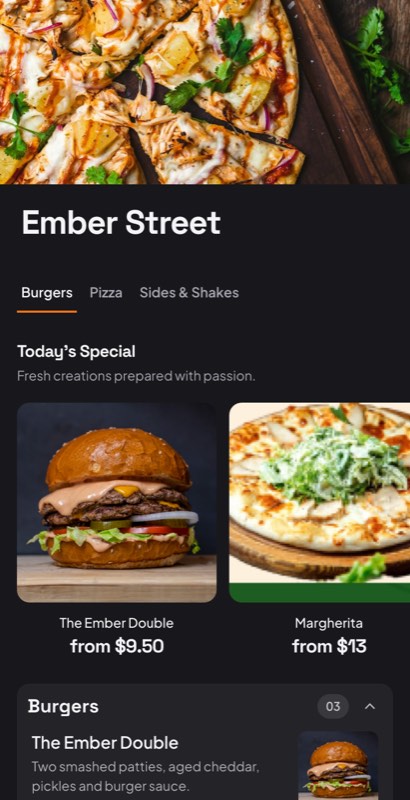
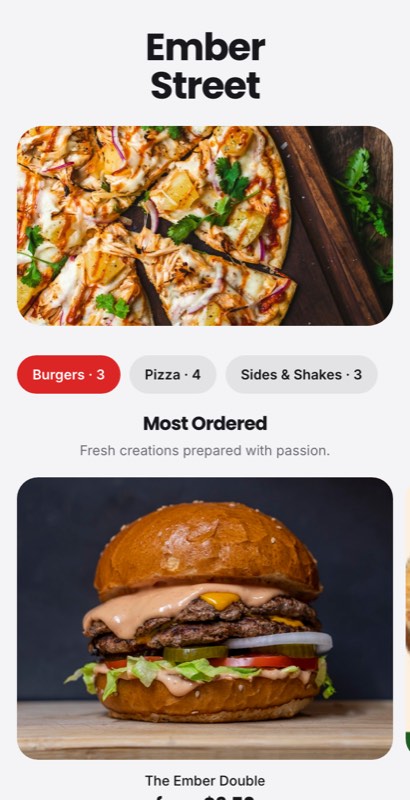
Kitchen Node menu template: a mobile cloud kitchen menu with a wordmark header, a photo banner, category tabs and priced item rows you can edit. Use this template
Kitchen NodeDelivery only · photo-led
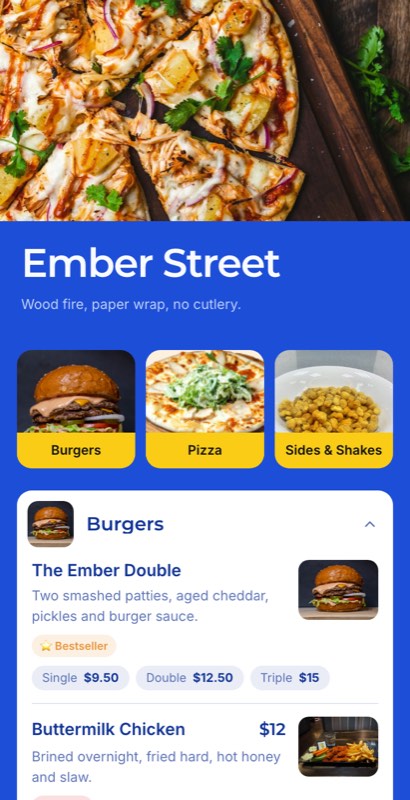
Delivery First menu template: a mobile cloud kitchen menu with a wordmark header, a photo banner, category tabs and priced item rows you can edit. Use this template
Delivery FirstAggregator style · scrollable
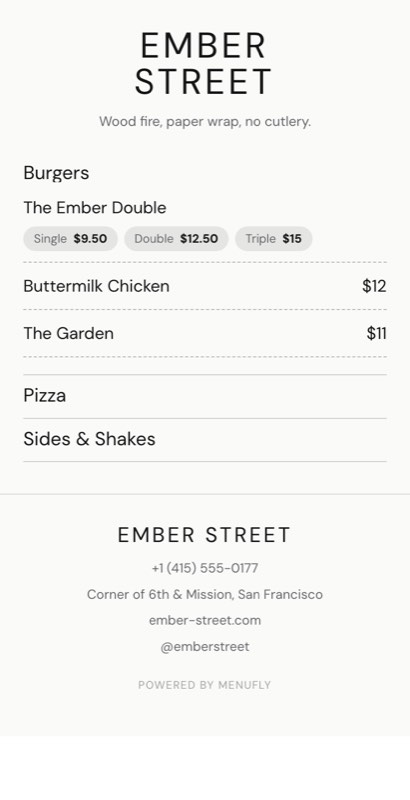
Thirty Minutes menu template: a mobile cloud kitchen menu with a wordmark header, a photo banner, category tabs and priced item rows you can edit. Use this template
Thirty MinutesSpeed-led · time-forward
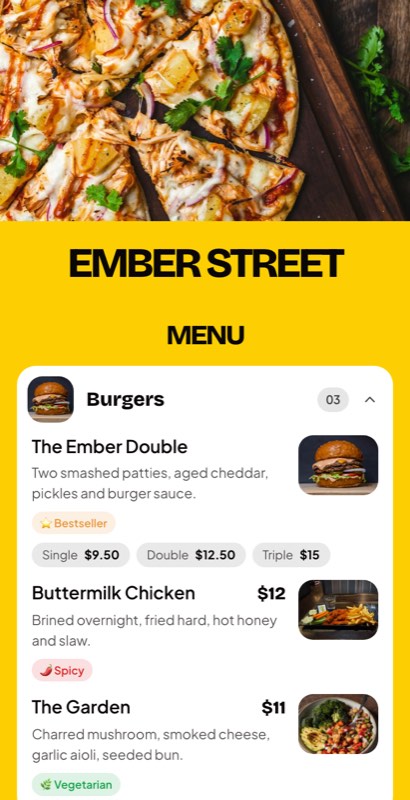
Brandless menu template: a mobile cloud kitchen menu with a wordmark header, a photo banner, category tabs and priced item rows you can edit. Use this template
BrandlessWhite label · neutral
Metro Eats menu template: a mobile cloud kitchen menu with a wordmark header, a photo banner, category tabs and priced item rows you can edit. Use this template
Metro EatsMulti-brand · bold
Design styles

Explore different cloud kitchen menu card design styles and customize a template to match your food business.

🍛

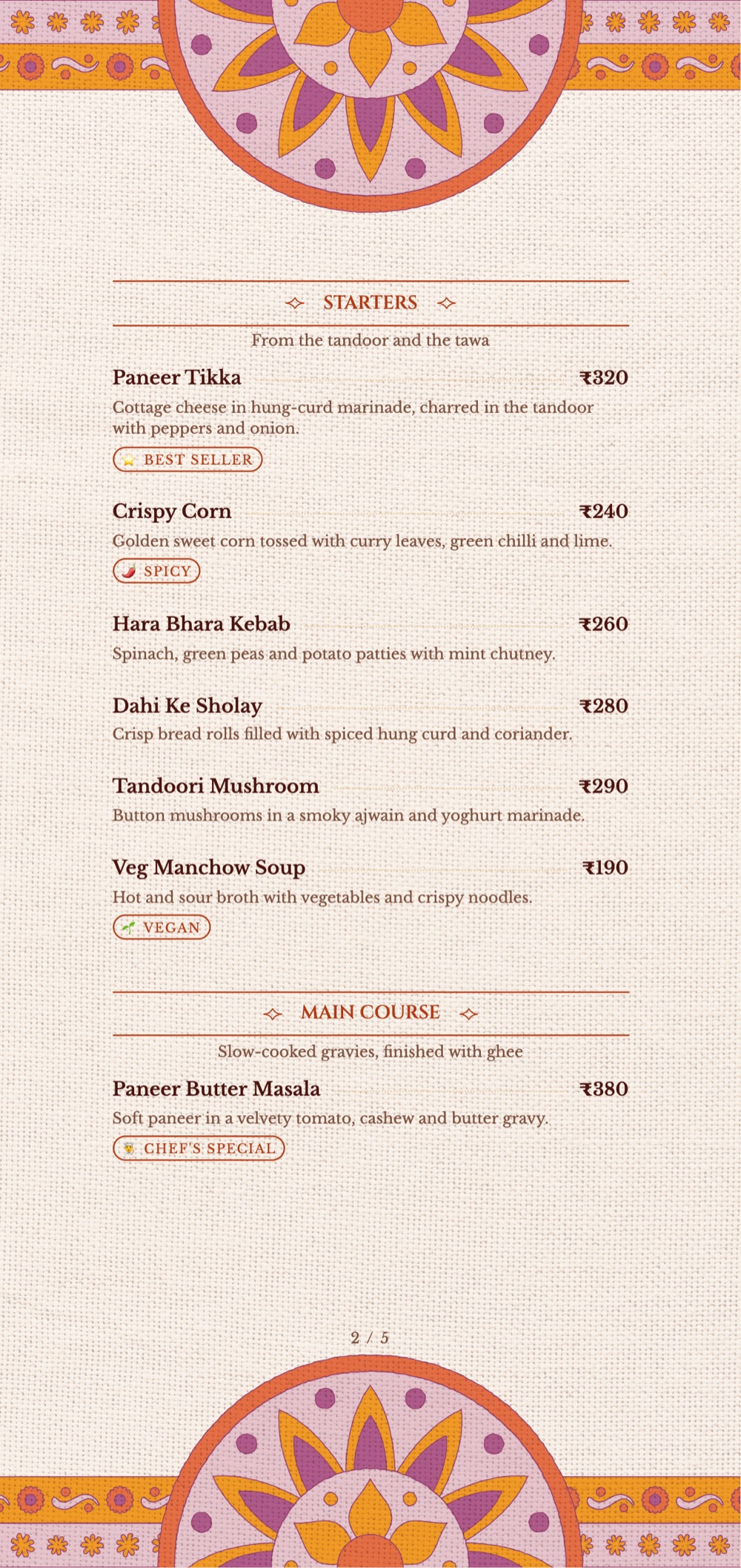
Indian Food & Biryani Menu

Organize biryani varieties, curries, thalis, breads, rice dishes and meal combos into easy-to-browse categories. Make portion sizes, vegetarian options and prices clear.

🍔

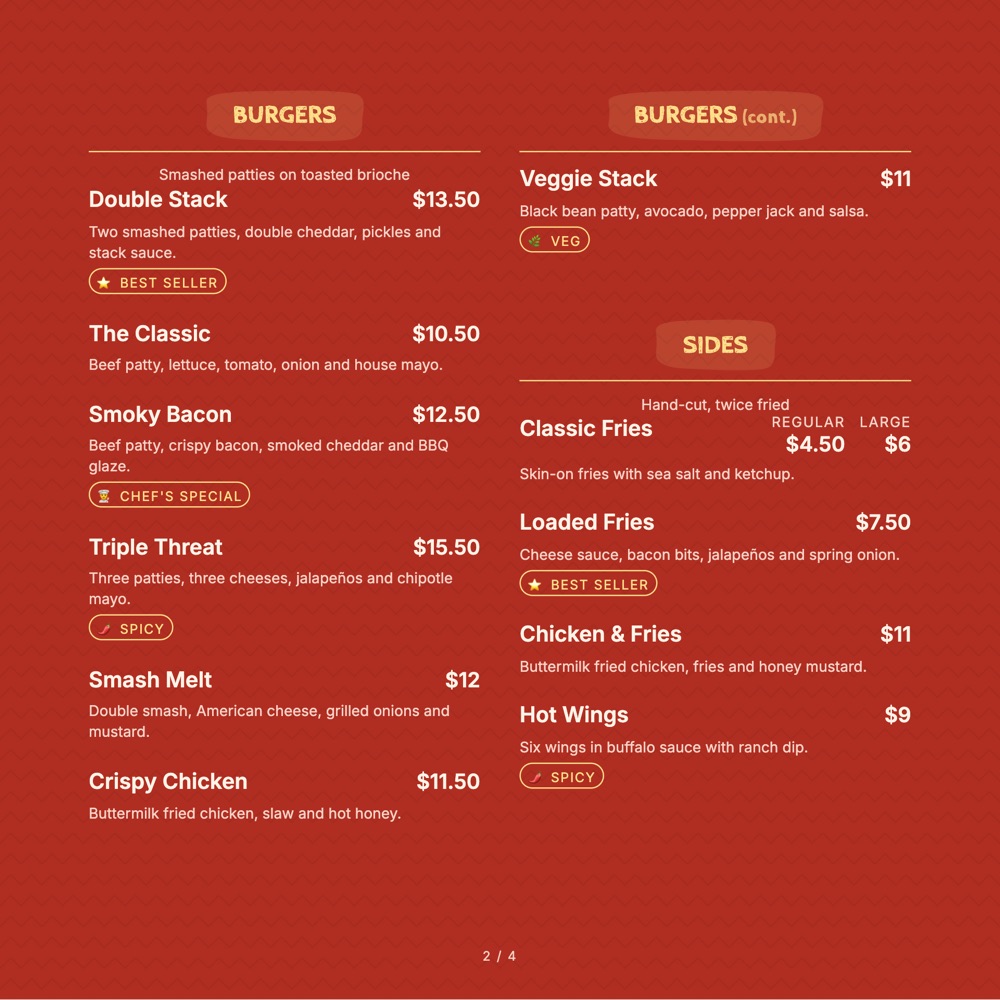
Burger & Fast Food Menu

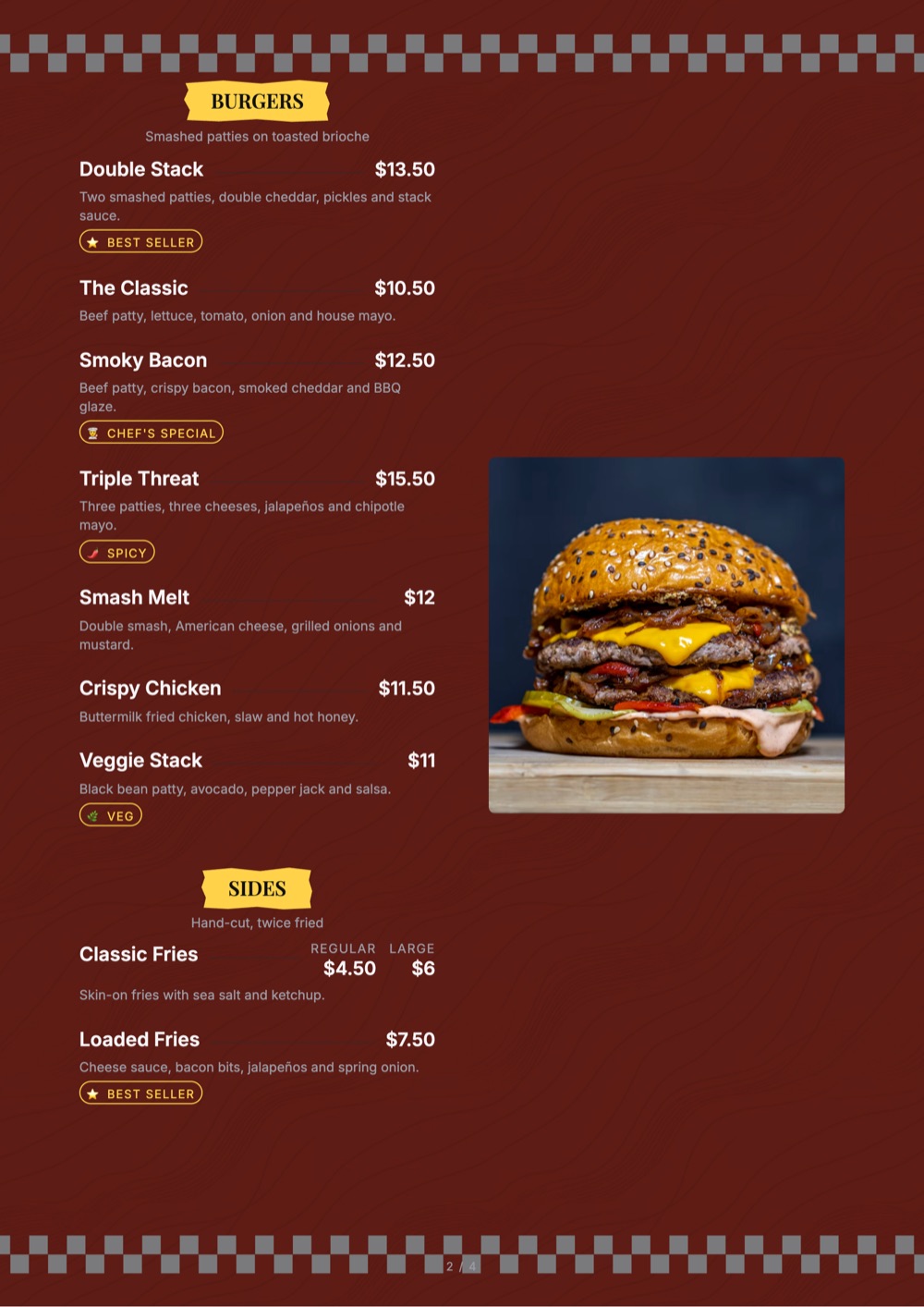
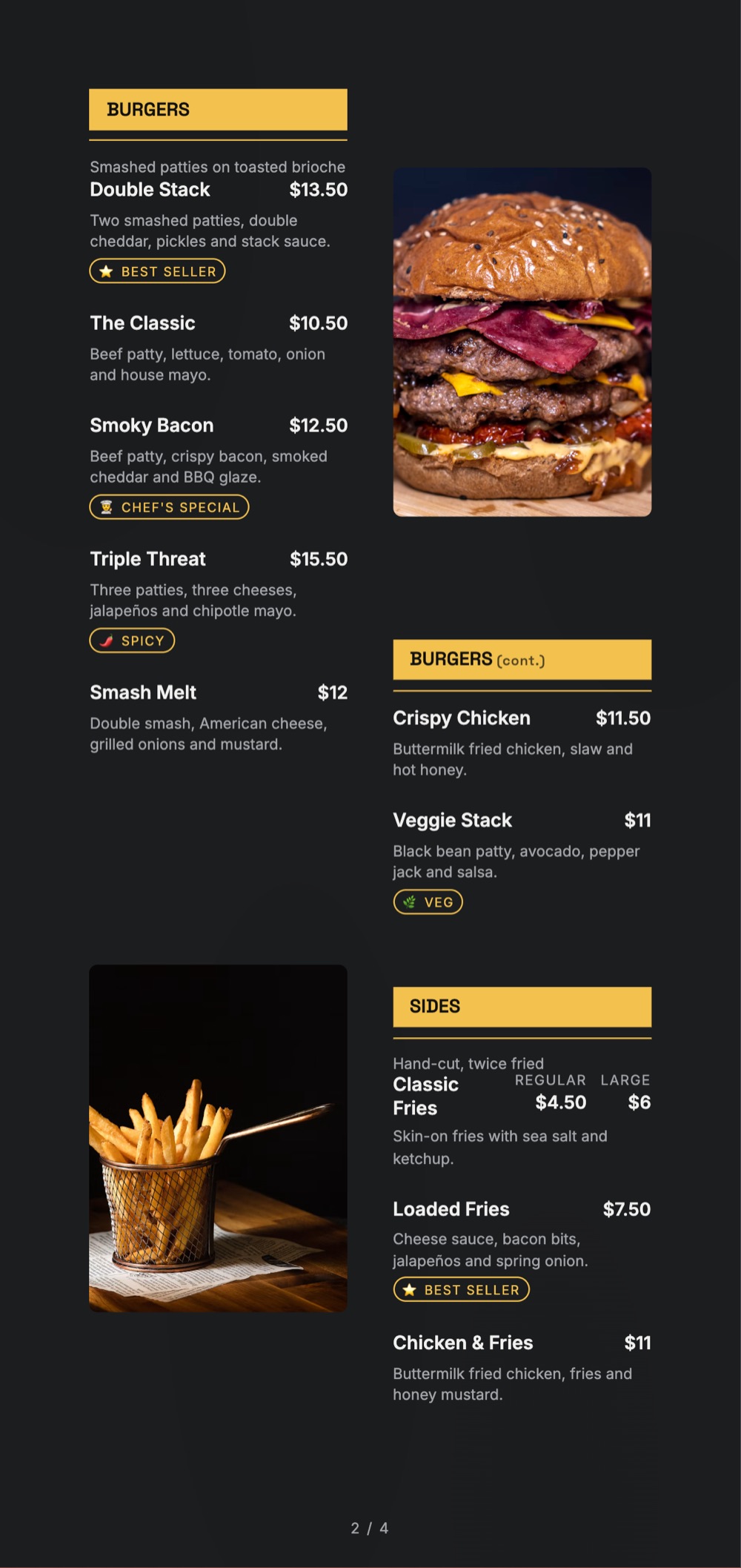
Showcase burgers, wraps, fries, sides, beverages and combo meals in a bold, easy-to-read layout. Use food photography to highlight signature items.

🥗

Healthy Food & Meal Prep Menu

Present salads, grain bowls, protein meals, smoothies and meal plans with clear descriptions. Include relevant dietary information and portion details where applicable.

🍕

Pizza & Italian Menu

Organize pizzas by size, base or style, followed by pasta, sides, dips and beverages. Keep customizations and add-ons easy to understand.

🍰

Dessert & Bakery Menu

Display cakes, brownies, cookies, pastries and dessert boxes with attractive photos, sizes, flavours and prices.

🏢

Multi-Brand Cloud Kitchen Menu

If you operate different virtual food brands from one kitchen, create a distinct visual identity for each brand. Use suitable colours, typography, imagery and category names so customers can understand each brand’s offering.
Design principles

What Makes a Good Cloud Kitchen Menu Design?

A cloud kitchen menu card needs to work particularly well on a phone. Customers may be comparing several food options on a small screen, so clarity matters as much as appearance.

  1. 1

    Use Clear Menu Categories

    Group related dishes under recognizable headings such as Starters, Main Course, Rice & Biryani, Combos, Sides, Beverages and Desserts. Choose categories that match your actual menu rather than adding sections customers do not need.

  2. 2

    Make Dish Names and Prices Easy to Read

    Use readable typography, consistent spacing and a clear price position. Avoid squeezing too many dishes into one section or using decorative fonts for important information.

  3. 3

    Add High-Quality Food Photos

    Use clear, appetizing photos for signature dishes and popular items. Keep image styles consistent, and make sure the photos represent the food customers can actually order.

  4. 4

    Show Portions and What’s Included

    Help customers understand whether a dish serves one person, two people or a family. Mention important inclusions, such as rice, bread, sides or sauces, when relevant.

  5. 5

    Make Combos and Add-Ons Easy to Find

    Group meal combos, extra toppings, dips and beverages in clear sections. Give special offers and signature dishes appropriate visual emphasis without making the entire menu look crowded.

  6. 6

    Design for Mobile Screens First

    Use short descriptions, comfortable text sizes and logical category order. Customers should be able to scan your menu without repeatedly zooming in or searching for prices.

  7. 7

    Keep Your Menu Consistent With Your Brand

    Use your logo, brand colours and a consistent visual style across your digital menu, packaging, social media and printed materials.

Kitchen Node
Delivery only · 30 min average
BowlsBiryaniSidesDesserts
Bowls
🥣
Butter Chicken Bowl
Serves 1 · with rice
₹349
🥗
Paneer Tikka Bowl
Veg · serves 1
₹319
Tap to make it yours✓
Biryani
🍲
Hyderabadi Chicken
Serves 2 · 45 min
₹549
🍄
Mushroom Dum
Veg · serves 2
₹479
How it works

Create a Cloud Kitchen Menu Card With MenuFly

You do not need to design your menu from a blank page. Start with a template and customize it for your food business.

01

Choose a Cloud Kitchen Menu Template

Select a layout that suits your cuisine, number of dishes and brand identity.

02

Add Your Dishes and Prices

Organize your menu into categories, add item names and descriptions, and enter your current prices.

03

Customize the Design

Add your logo, colours, food photos and other available design elements to make the menu your own.

04

Publish Your Digital Menu

Create a mobile-friendly menu that customers can access through a shareable link or QR code.

05

Export a Print-Ready PDF

When you need physical menu cards, generate a suitable print-ready PDF using the formats supported by your MenuFly plan.

Digital and print

Digital Menu or Printed Menu Card: Which Should You Choose?

Cloud kitchens often need a menu that is easy to share online, but printed menus can still be useful for packaging inserts, pickup counters, promotional materials and local distribution.

Menu formatBest use
Digital menuSharing your latest menu through a link
QR code menuLetting customers open your menu by scanning a code
Print-ready PDFPreparing a menu for physical printing
Printed menu cardTakeaway packaging, pickup counters and promotional distribution

With MenuFly, you can create a digital menu and prepare a print-ready PDF from your menu workflow. Update your menu information when your offerings change, and regenerate your print file when you need a new batch.

Delivery tips

Tips for Designing a Menu That Works for Delivery

🎯

Keep the menu focused

Prioritize dishes that represent your brand and that your kitchen can prepare consistently.

✍️

Write useful descriptions

Explain the ingredients, flavour, portion or key difference when the dish name alone is not enough.

📦

Check how food travels

Consider whether each dish maintains its quality during delivery and whether the packaging suits it.

💰

Review your pricing

Account for ingredient costs, packaging, delivery-channel fees and your desired margin before setting prices.

🕑

Keep availability current

Review sold-out dishes, seasonal items, offers and prices regularly so customers see an accurate menu.

📱

Test the customer experience

Open your digital menu on a phone and check the category order, text size, image quality and ease of navigation before sharing it.

FAQ

Frequently Asked Questions

Where can I find a cloud kitchen menu card template?

You can explore the cloud kitchen menu templates on this page and choose an editable layout that suits your cuisine and brand. Customize the template with your own dishes, prices, logo and food photos.

How do I design a menu card for a cloud kitchen?

Start by organizing your dishes into clear categories. Add readable prices, concise descriptions, relevant photos and portion details. Then choose a consistent design that works on mobile screens and in print.

Can I create a cloud kitchen menu card online?

Yes. With MenuFly, you can start from a menu template, customize the design and publish a digital menu. You can also prepare a print-ready PDF using the formats supported by your plan.

Can I create a digital and printed menu from the same menu?

MenuFly supports a digital menu and print-ready PDF workflow. You can publish the digital version and generate a PDF when you need physical copies.

What should a cloud kitchen menu include?

Include your main food categories, dish names, prices, useful descriptions, portion details where relevant, and any important dietary or customization information. Add photos for selected dishes when they help customers make a decision.

Can I create menus for different food brands?

Choose a distinct template and visual identity for each brand you operate. Check the features available in your MenuFly plan for the multi-menu workflow you need.

Are cloud kitchen menu templates free?

You can start creating a menu with MenuFly's free option. Check the current pricing page for the exact template, export and publishing features included in each plan.

Every collection

Menu templates by business type

Sixteen collections, all editable, all free to start from.

Keep exploring

Related pages

Build Your Cloud Kitchen Menu Today

Your menu should make your food easy to discover and your offerings easy to understand. Choose a cloud kitchen menu card template, customize it for your brand, and prepare a digital menu and print-ready PDF for the way you serve customers.

Create your menu with MenuFly and update it as your cloud kitchen grows.

No credit card required · Set up in 5 minutes