Home / MenuFly vs MustHaveMenus
Comparison · Updated 2026

MustHaveMenus Alternative for Restaurant Menus: MenuFly vs MustHaveMenus

MustHaveMenus and MenuFly are both built for restaurant menus, but they focus on different things. Compare templates, the editor, digital and QR menus, specials, offers and print workflows to find the right fit for your restaurant.
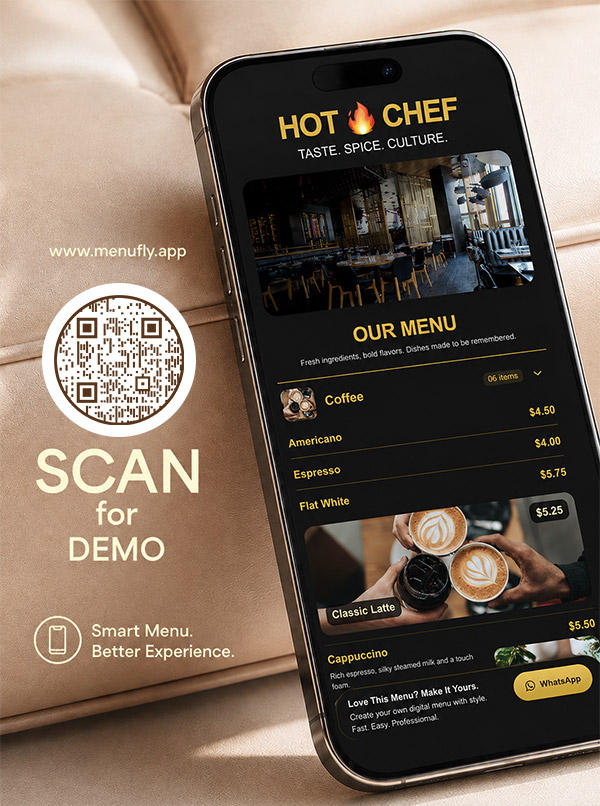
A digital restaurant menu open on a phone beside a QR code table card.
Digital + QR menu
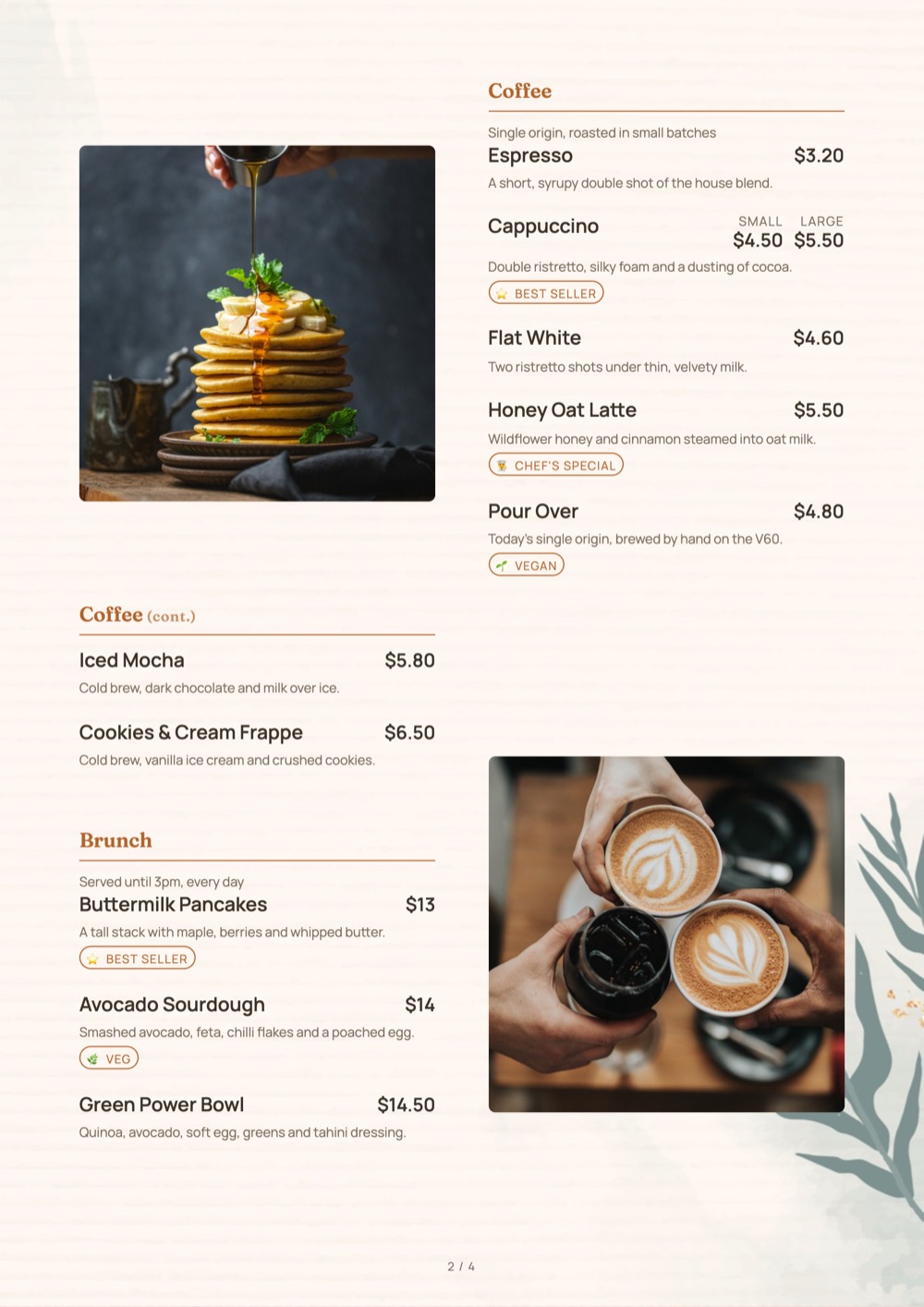
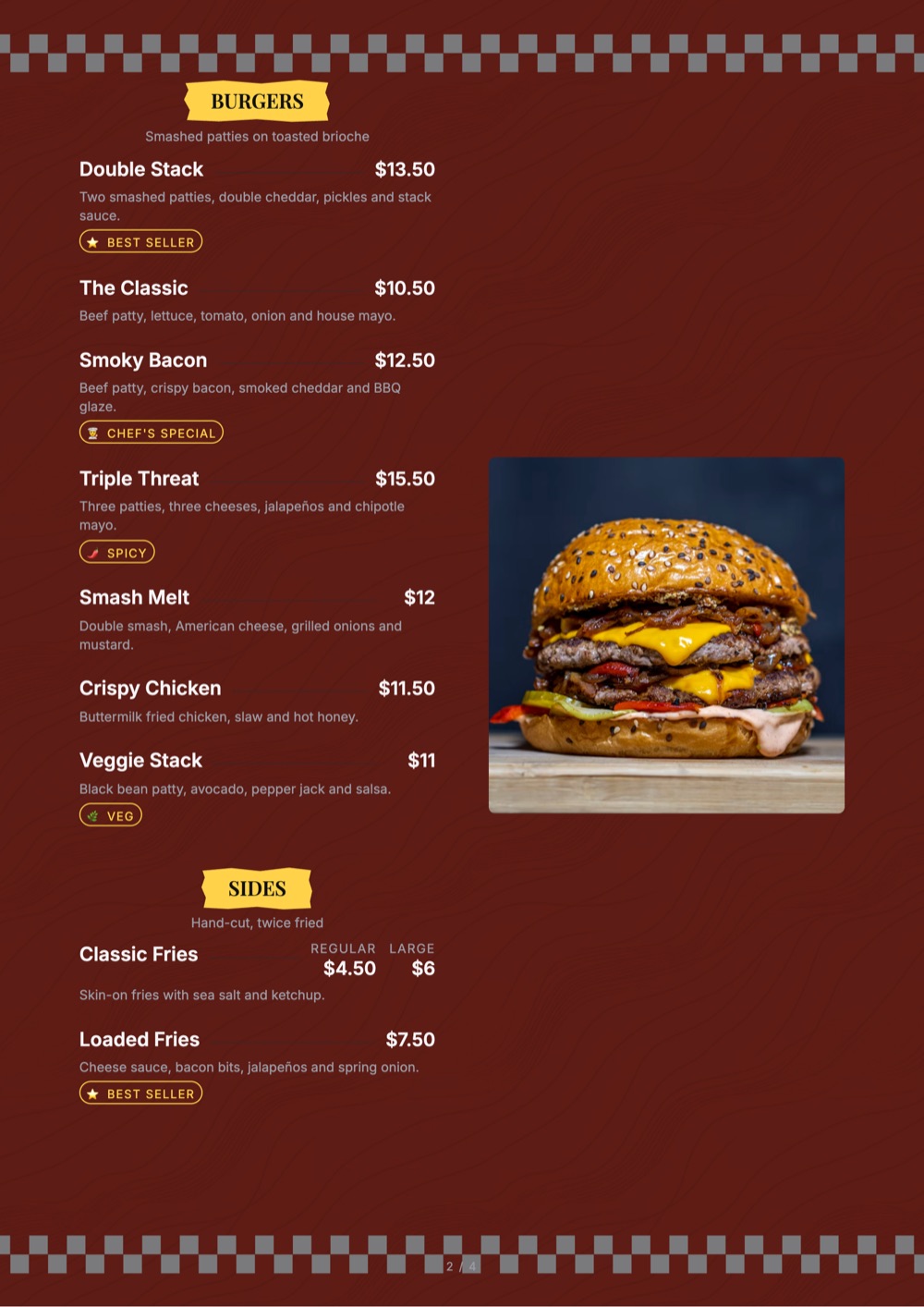
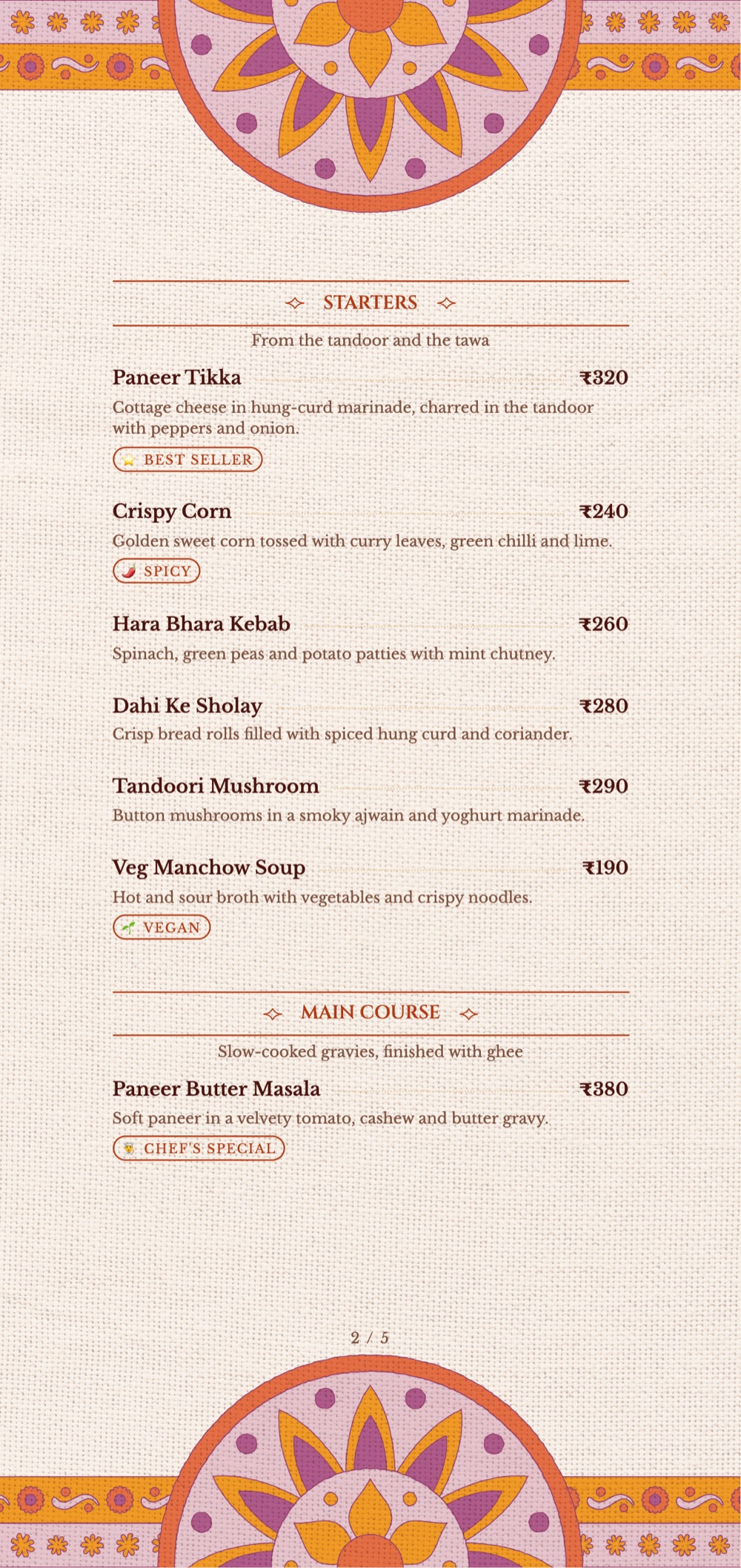
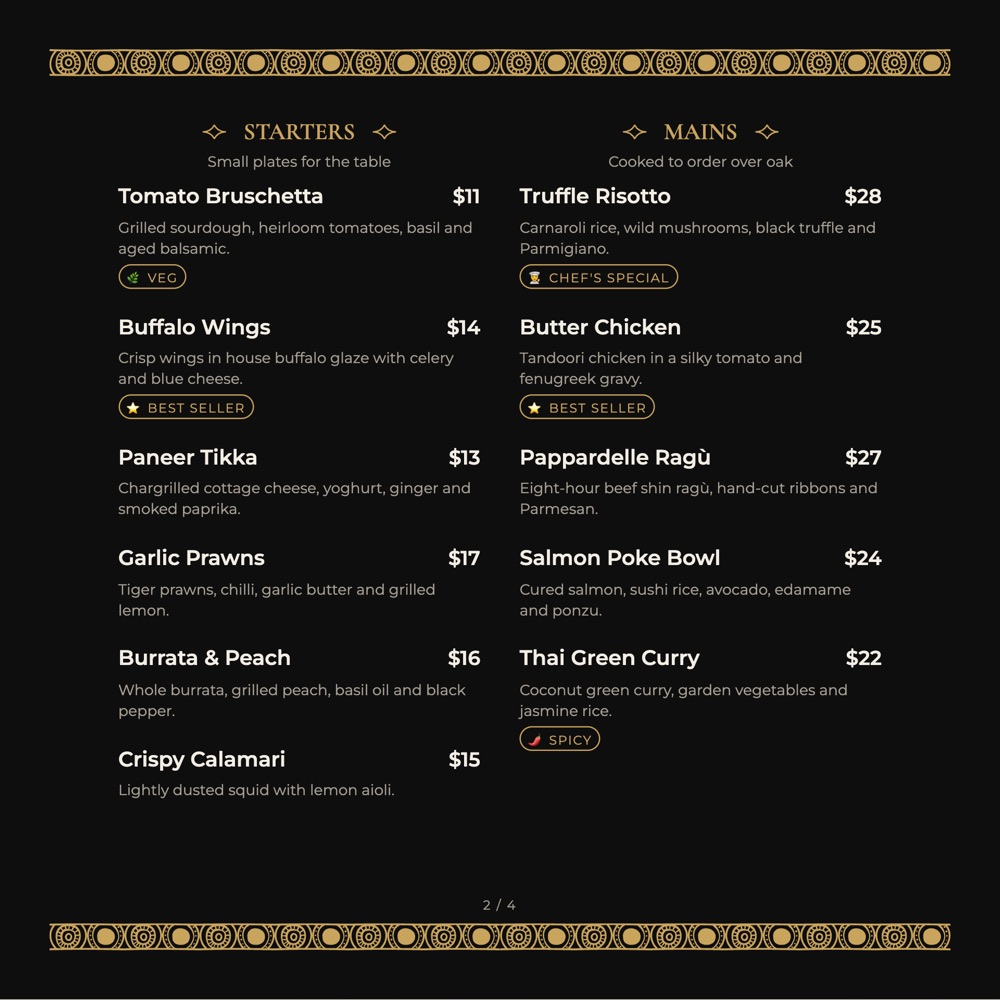
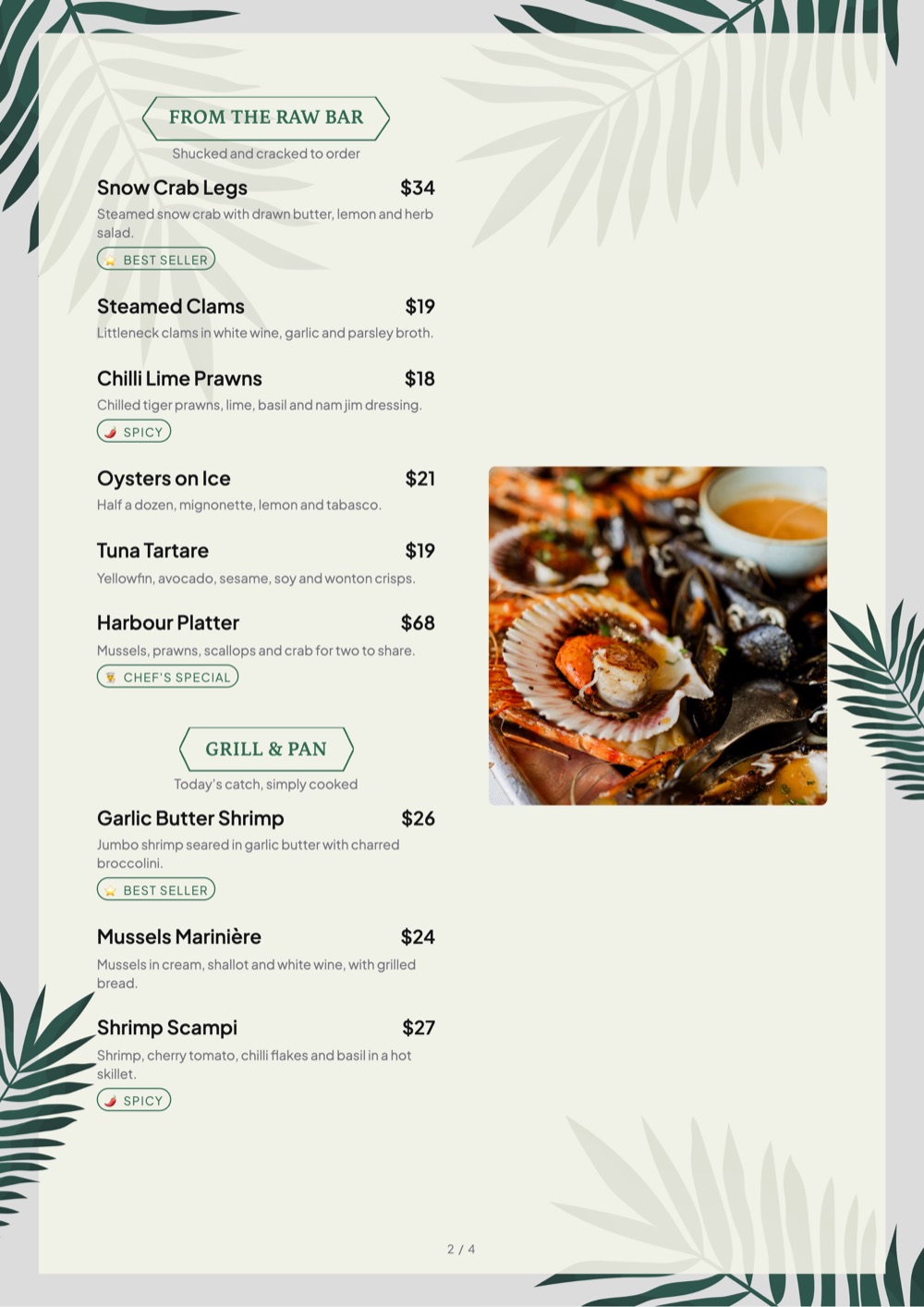
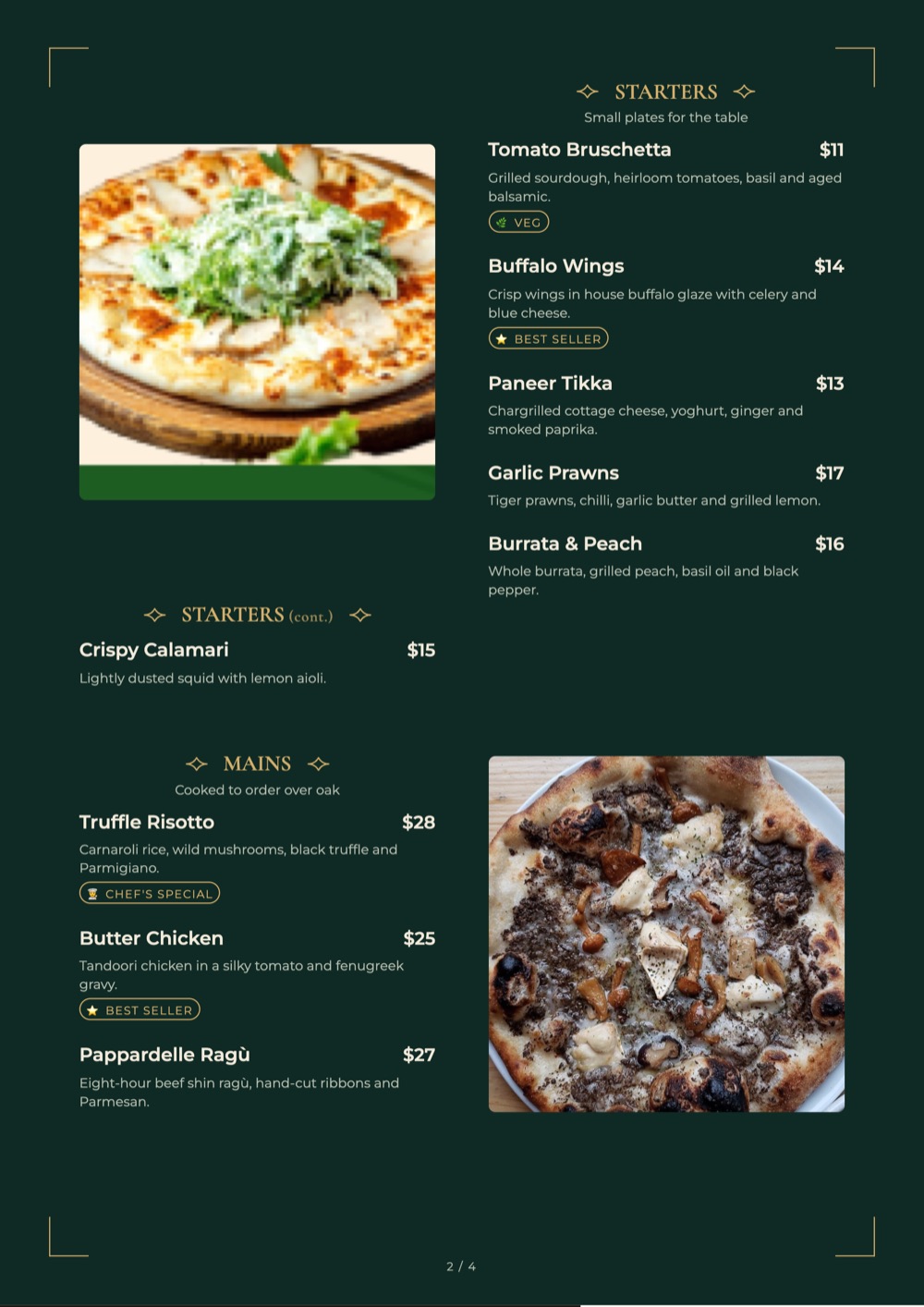
Signature print-ready restaurant menu template by MenuFly.
200 print templates

A note before you read: this comparison is written by the MenuFly team. We’ve tried to be fair to MustHaveMenus. MustHaveMenus is an established menu platform with a very large template library and a broad set of tools, from printing to digital signage. Features and pricing change over time, so check musthavemenus.com for the latest details.

Quick answer

MenuFly vs MustHaveMenus: What’s the Difference?

MustHaveMenus

Broad menu marketing suite

MustHaveMenus combines a large menu template library and a specialized menu editor with printing, online and QR menus, digital signage, listings management and POS integrations.

MenuFly

Visual digital + print menu maker

MenuFly focuses on making one menu look great on a phone and on paper, with 200 trending print templates, a Today’s Special block, story-style offer highlights, animated stickers and QR sticker templates.

Both are made for menus. MustHaveMenus covers a wider set of restaurant marketing tools, while MenuFly concentrates on a simple, visual menu that works in print and on the phone.

What MenuFly adds

Built to Make Your Menu Stand Out, in Print and on the Phone

If you are comparing MustHaveMenus alternatives, these are the parts of MenuFly restaurants notice first.

  • 200 trending print menu templates

    Fresh, on-trend designs for restaurants, cafes, bars, bakeries and cloud kitchens, in A4, 5.2 × 11 in, 8 × 8 in and more.

  • One simple editor for print and digital

    Add dishes and prices once. The phone menu and the print PDF come from the same menu, so they never drift apart.

  • Today’s Special

    A highlighted block at the top of your digital menu for the dish you want to sell today. Change it in seconds.

  • Story-style offer highlights

    Offers sit at the top of the menu as round highlights, like Instagram stories. Guests tap through them while they browse.

  • Animated stickers

    Add moving “New”, “Hot” or offer stickers to dishes so the ones you want to sell catch the eye.

  • QR code sticker templates

    Ready-to-print QR stickers for tables, counters, windows and takeaway boxes that open your live menu.

Side by side

Feature Comparison

Both tools can produce a restaurant menu. The differences are in focus and workflow, not basic capability.

FeatureMenuFlyMustHaveMenus
Restaurant menu templatesYes · 200 trending print templatesYes · very large library (10,000+ listed)
Menu-specific design editorYesYes
Digital / online menuYes · built for phonesYes
QR menuYesYes
Today’s Special blockYesVia menu design
Story-style offer highlightsYesNot a core focus
Animated stickers on dishesYesNot a core focus
QR code sticker print templatesYesQR codes available
Print-ready PDFYesYes
Professional printing servicePrinting availableYes
Digital signage / menu boardsNot a core focusYes
POS integrationsNot a core focusYes (e.g. Toast, Square)
Listings sync (Google, Apple and more)Not a core focusYes
Plans in Indian rupeesYes · free plan availablePriced in US dollars
Best suited forVisual digital + print menusBroad menu marketing suite

Based on each product’s public website in October 2026. Features vary by plan and change over time.

Two approaches

How MenuFly and MustHaveMenus Handle Restaurant Menus

MustHaveMenus

Template-and-suite workflow

Pick a template
Design
Print or publish
Signage & listings

Menus are designed in a specialized editor, then printed, published online or pushed to signage and listings from the same platform.

MenuFly

One-menu workflow

Add dishes
Pick a look
Highlight specials & offers
Publish QR menu
Export print PDF

You enter dishes and prices once. The phone menu, its specials and offers, the QR stickers and the print PDF all come from that one menu.

MustHaveMenus may suit you better when you want one vendor for printing, signage, listings and POS. MenuFly may suit you better when you want a lighter tool that makes the menu itself more visual on the phone and on paper.

Use cases

MenuFly vs MustHaveMenus for Different Restaurant Needs

How each tool approaches the jobs restaurants most often need a menu tool for.

🖨

Printed menus shipped to you

MustHaveMenusOffers a printing service for finished menus.

MenuFlyExport a print-ready PDF and print locally, or use MenuFly printing.

📺

Screens and menu boards

MustHaveMenusDigital signage with scheduling and playlists.

MenuFlyNot a core focus; MenuFly is built for phone and print menus.

⭐

Today’s special

MustHaveMenusCan be added to the menu design.

MenuFlyA Today’s Special block sits at the top of the phone menu and changes in seconds.

🎉

Offers guests actually notice

MustHaveMenusHighlight offers within your design.

MenuFlyStory-style highlights guests tap through, like Instagram stories.

📌

QR codes on tables and boxes

MustHaveMenusGenerates QR codes for online menus.

MenuFlyReady-to-print QR sticker templates for tables, counters and takeaway boxes.

₹

Budget and billing

MustHaveMenusUSD subscription; check their site for current plans.

MenuFlyFree plan, then plans from ₹2,999 a year.

Choosing

MenuFly vs MustHaveMenus: Which Is Right for You?

When MustHaveMenus May Be the Better Choice

MustHaveMenus may be a good choice if:

  • You want a very large menu template library to browse
  • You need digital signage or menu boards
  • You want POS integrations such as Toast or Square
  • You want menus synced to Google, Apple and other listings
  • You prefer one vendor that also prints and ships menus
  • You manage menus across a large group with team permissions

When MenuFly May Be the Better Fit

MenuFly may be a good fit if:

  • You want a simple editor for both print and digital menus
  • You want 200 trending print menu templates to start from
  • You want a Today’s Special block on your phone menu
  • You want offers shown as story-style highlights
  • You want animated stickers to make dishes stand out
  • You need printable QR code stickers for tables and takeaway
  • You prefer plans priced in rupees with a free plan
Pricing

Pricing at a Glance

The two tools have different pricing models, so compare them against what you actually need.

MustHaveMenus offers paid plans priced in US dollars. Check MustHaveMenus for current plans and features.

MenuFly has a free plan, and paid plans start at ₹2,999 a year (Starter). Growth, the most popular plan for digital + print, is ₹5,999 a year. Physical printing is separate and depends on your requirements.

MenuFly plans
₹0 to start

Free plan · no credit card required

Starter₹2,999/year
Growth · most popular₹5,999/year
Pro₹11,999/year
PrintingSeparate, as needed

Features and pricing can vary by plan.

Who wrote this comparison

Built by People Who Design Restaurant Menus

MenuFly is backed by Aveera Design Solutions and Menu Card Studio, which have designed and delivered 1,000+ restaurant menus. The requests we heard most from restaurant owners shaped how MenuFly works:

“Can you change this price?”

“Can you add this new dish?”

“Can we print only 10 copies?”

“Can we add this special without reprinting the entire menu?”

Restaurants using or working with MenuFly are located across:

United StatesCanadaUnited KingdomGermanyDubaiUAEIndia
Summary

MenuFly vs MustHaveMenus: Final Comparison

If you need…Consider
Very large template libraryMustHaveMenus
Digital signage and menu boardsMustHaveMenus
POS integrationsMustHaveMenus
Listings syncMustHaveMenus
Restaurant menu templatesBoth
Digital and QR menuBoth
Print-ready PDFBoth
Simple print + digital editorMenuFly
Today’s Special and story-style offersMenuFly
Animated stickersMenuFly
QR sticker print templatesMenuFly
Rupee plans with a free tierMenuFly

There isn’t one universal winner. MustHaveMenus is a broad menu marketing suite; MenuFly is a lighter, visual menu maker for print and phone. Choose by the tools you actually need around the menu.

FAQ

Frequently Asked Questions

What is the difference between MenuFly and MustHaveMenus?

Both are built for restaurant menus. MustHaveMenus is a broad menu marketing suite with a very large template library, printing, online menus, digital signage, listings and POS integrations. MenuFly focuses on a simple editor for print and digital menus, with 200 trending print templates, a Today's Special block, story-style offer highlights, animated stickers and QR sticker templates.

Is MustHaveMenus good for restaurant menus?

Yes. MustHaveMenus is a specialized menu platform with a large template library and a menu-specific editor. It can be a strong choice if you also want printing, digital signage, listings or POS integrations from one vendor.

Is MenuFly a MustHaveMenus alternative?

Yes. MenuFly can be used as a MustHaveMenus alternative when you mainly need a visual menu that works on phones and in print, with specials, offers and QR stickers, and plans priced in rupees.

Which is better for restaurant menus, MustHaveMenus or MenuFly?

It depends on what you need around the menu. MustHaveMenus may be the better fit for the tools listed in its column above. MenuFly may be the better fit if you want a simple editor for print and digital menus, with specials, story-style offers, animated stickers and QR stickers.

Can I use MenuFly and MustHaveMenus together?

Yes. Some restaurants use MustHaveMenus for some jobs and MenuFly for their menu workflow. The two tools don't have to be mutually exclusive.

What are MenuFly's print menu templates?

MenuFly has 200 trending print menu templates for restaurants, cafes, bars, bakeries, cloud kitchens and more, in sizes such as A4, 5.2 x 11 in and 8 x 8 in. The number of templates and print formats you can use depends on your plan.

What is the Today's Special block?

It is a highlighted block at the top of your MenuFly digital menu for the dish you want to push today. You can change it in seconds without touching the rest of the menu.

How do story-style offer highlights work?

Offers appear as round highlights at the top of the digital menu, like Instagram stories. Guests tap one to see the offer full screen, then carry on browsing the menu.

Can I print QR code stickers with MenuFly?

Yes. MenuFly includes QR code sticker templates for tables, counters, windows and takeaway boxes. Download them and print them so guests can scan straight to your menu.

How much does MenuFly cost?

MenuFly has a free plan. Paid plans start at ₹2,999 a year for Starter, with Growth at ₹5,999 a year and Pro at ₹11,999 a year. Monthly billing is also available. Pricing and features can vary by plan.

Is MenuFly available outside India?

Yes. MenuFly is designed for restaurants globally and already works with clients across the United States, Canada, United Kingdom, Germany, Dubai, UAE and India.

More comparisons

Other Menu Tool Comparisons

Try MenuFly for Your Restaurant Menu

Pick one of 200 trending print templates, add your dishes, and publish a digital menu with Today’s Special, story-style offers and animated stickers.

Free plan · No credit card required